
Opinion
Small joys of Even G2: verification codes and tasks at a glance
Verification codes appear in front of you, and a glance upward shows your tasks while you work. Small joys of Even G2—and the unfortunate reminder of work whenever you take a drink.
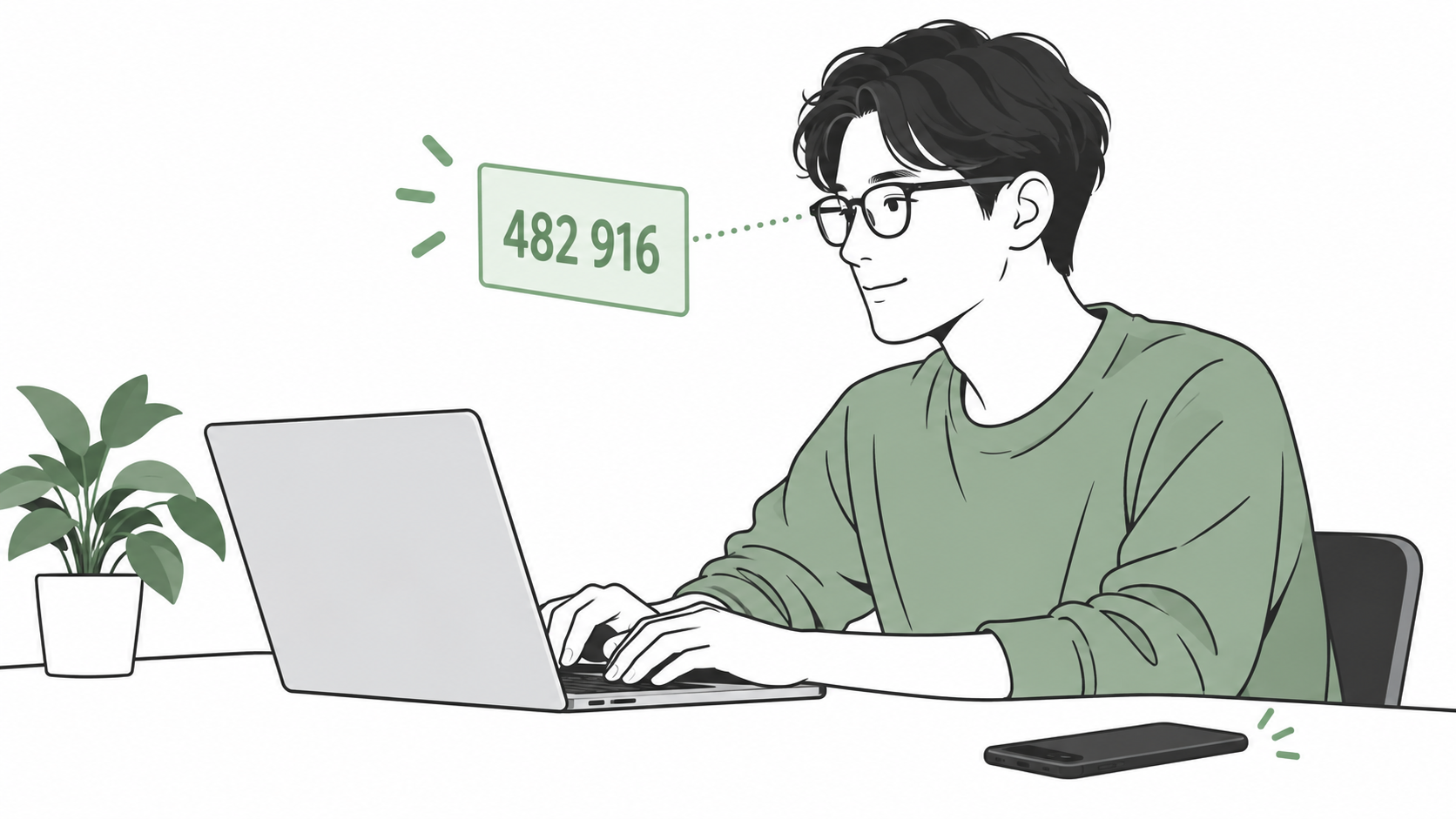
One small thing I enjoy about Even G2 is seeing one-time passwords. A code arrives on my phone and appears right in front of me.
When working at a computer, these little conveniences are welcome.
Read verification codes right in front of you
When a verification code appears on G2, I can read it without picking up my phone.
Take logging in on a computer. If a service asks for a code after the password, I can simply type the numbers in front of me.
I do not have to reach for my phone and look away just to read a few digits. It is a small but satisfying convenience.
Look up to see what comes next
Another thing I like is that looking up brings up my tasks. I can check what needs doing while sitting at my computer.
After finishing a task, or when research threatens to lead me astray, a quick glance can show what comes next. Not having to open a task list is useful in those moments.
A drink comes with a reminder of work
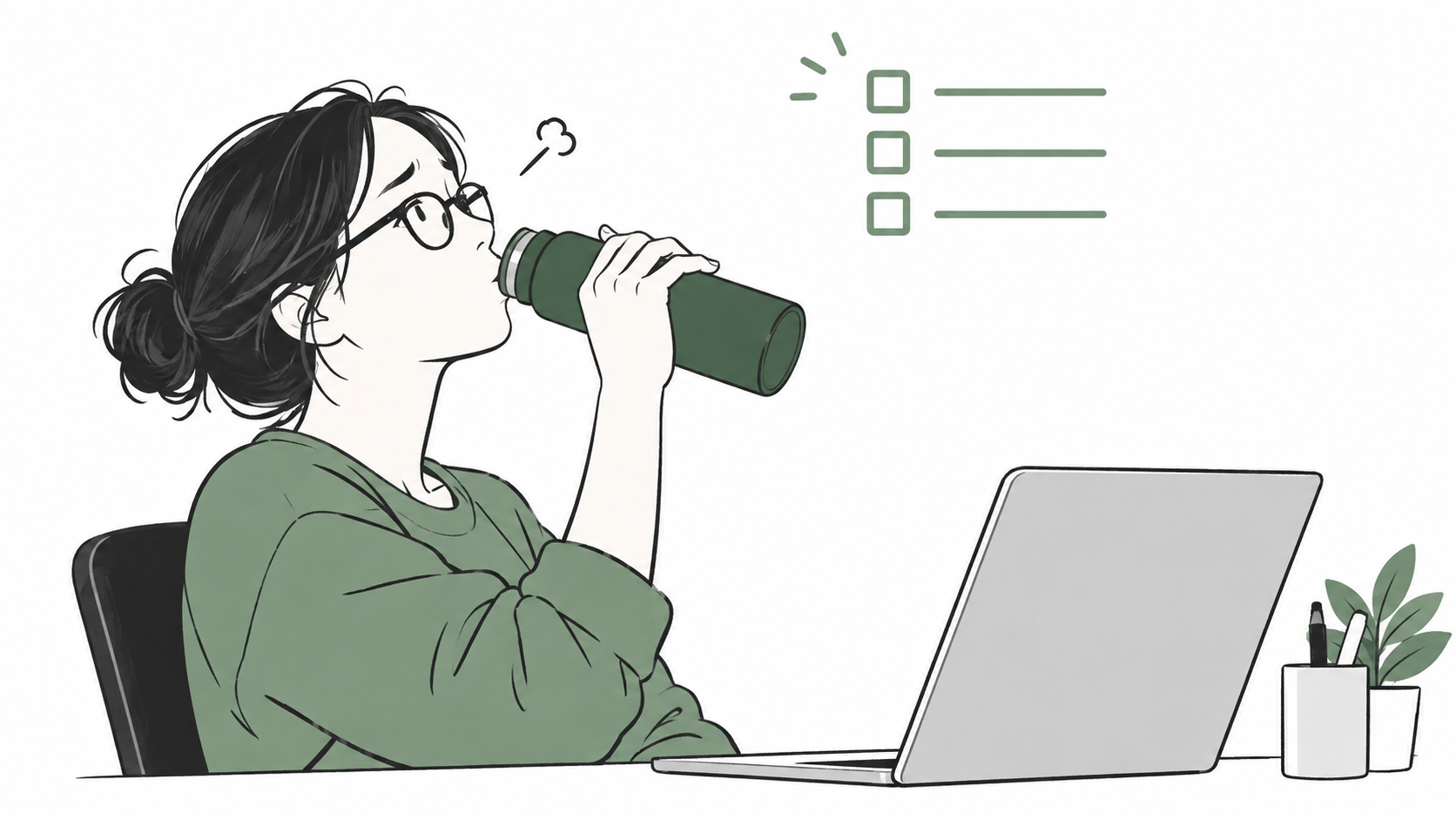
Every time I drink from my water bottle, my tasks pop up.
I tilt my head back for a breather, and there is my to-do list. All I wanted was a drink. Now I feel a little deflated.
Everyone wants different information in view
Some people just want the time; others display a shopping list. Other users show how the information you want on G2 depends on your daily life.
Segment keeps the dashboard down to the time and battery level, saying it stays unobtrusive even when it appears accidentally. That sounds like a more relaxing way to take a drink.
The same article describes using an additional app to display shopping notes. Imagine putting an item in your basket and checking what else you need. Reading the list without taking out your phone sounds handy.
Segment: Four months after buying Even G2
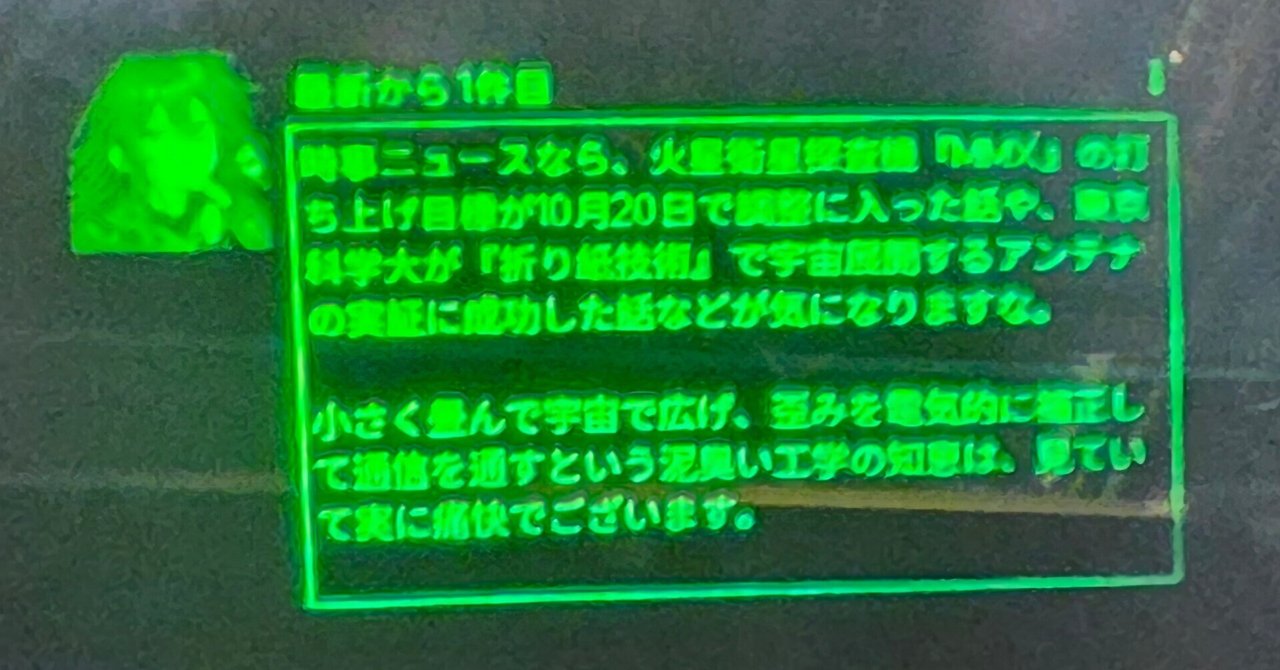
On X, @andoshin11 shared a G2 app they built for checking the next departure at their local station. It looks useful for a quick check before heading out.
In each case, the question is clear: What time is it? What do I need to buy? When is the next train? Seeing the answer is enough, so a small display in front of you does the job.
One less reason to open your phone
Checking something without picking up your phone removes one opportunity to wander into another app. Reaching for a code and ending up reading another notification should happen less often.
Use a phone or computer for replies and research, and G2 for quick checks. Saving that small extra step is what makes wearing it satisfying.
 Even G2