
Buying guide
Who should buy XREAL AURA? What it does and whether it is worth ¥229,800
Video, multiple apps, PC connections, Gemini and spatial games: who XREAL AURA suits, who should wait, Japanese pricing and what to check before buying.
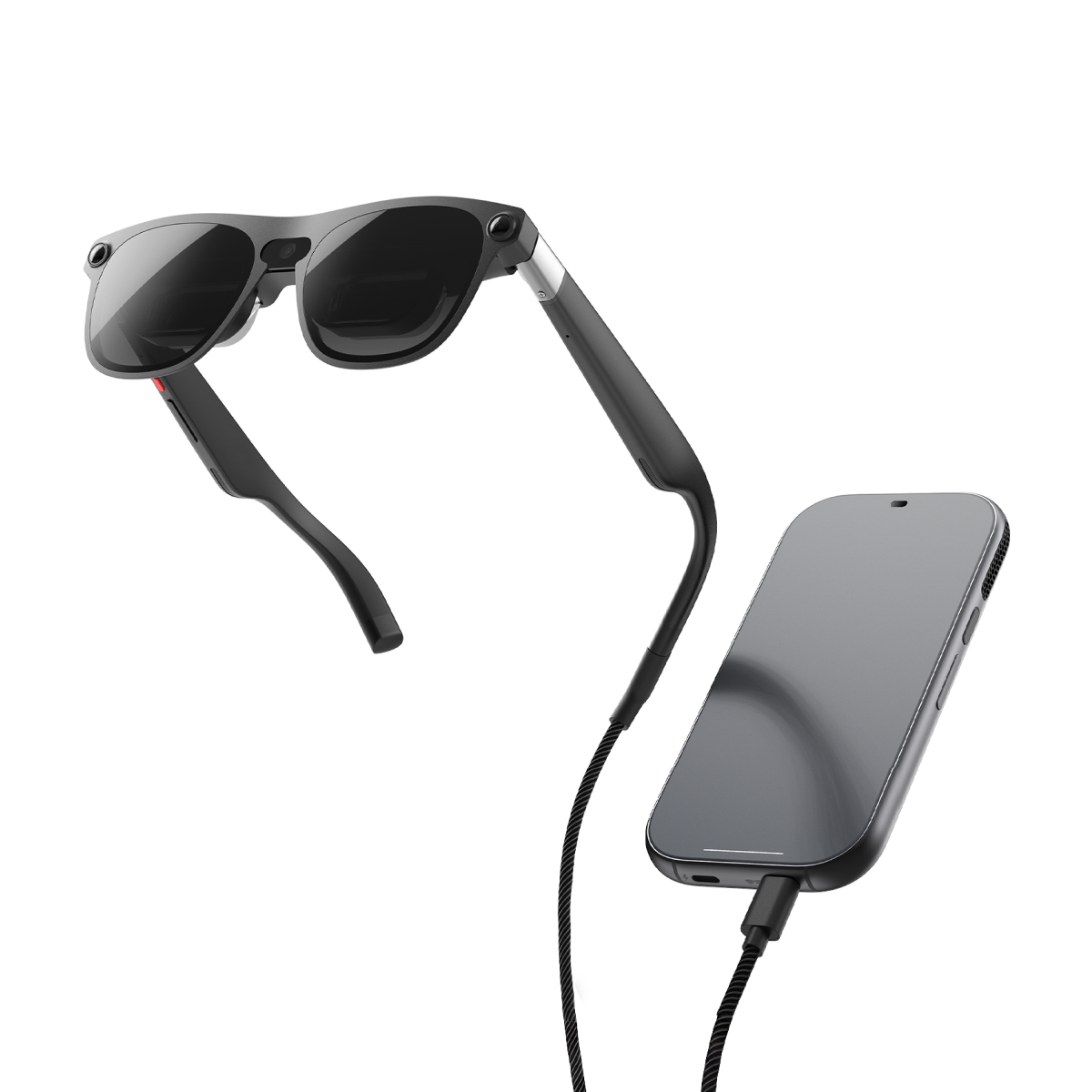
XREAL AURA is worth considering if you want more than a large video screen: Android apps arranged around you, plus a connection to a PC or gaming device. If you only want a screen for watching a film, the starting price of ¥229,800 is harder to justify.
A convincing reason to buy is having several apps and situations in mind today. It is an expensive purchase to make solely on the hope of impressive future apps.
What AURA is: glasses plus a small computer
AURA is a wired Android XR device that overlays images on your direct view of the real world. The included compute puck runs Android XR, so Android apps do not require a PC. The glasses also contain an X1S chip for spatial processing.
The advertised 95g weight is for the glasses alone. You also carry the puck and cable. Expect a computer in your pocket connected to your glasses.
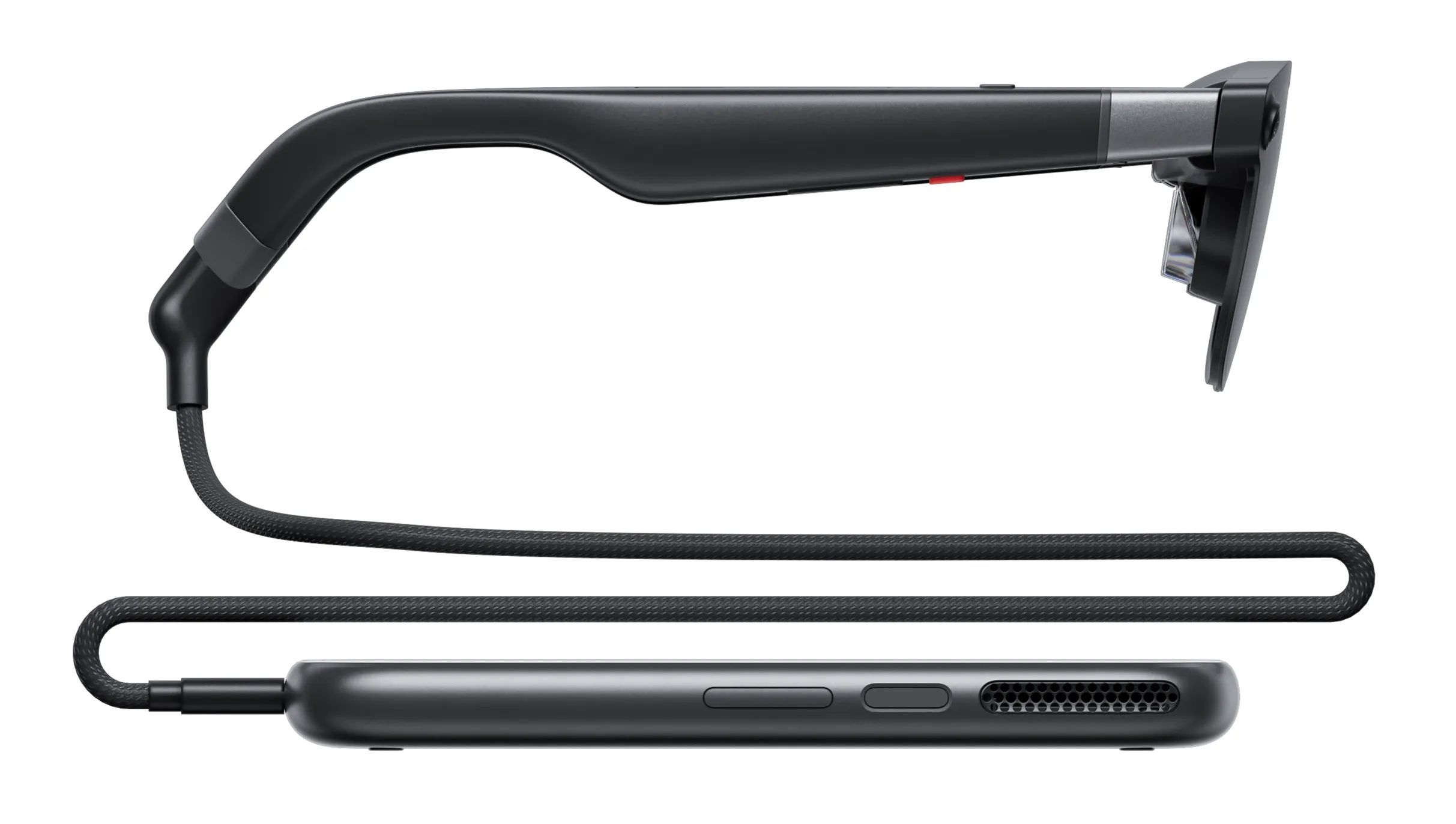
XREAL: AURA hardware and specifications
What you can do
-
Watch video: use a large virtual screen for services such as YouTube while retaining a view of the room. The lenses can dim, but you should not expect the same isolation as a VR headset that covers your entire view.
-
Arrange apps: open compatible Android apps as spatial panels, with up to five virtual app screens. Potential combinations include documents, a browser and video.
-
Connect a PC or handheld gaming device: feed video from a compatible USB-C output into the puck and view it on a virtual screen. Check that the source supports the required video output, such as DisplayPort Alt Mode.
-
Ask Gemini: use permitted camera or screen context to ask about what you are looking at. If a particular Japanese-language feature matters to you, check its language, region and account requirements before buying.
-
Use spatial apps and games: experiences such as Demeo place a three-dimensional board in your surroundings. Playing a regular Android game on a screen and using a purpose-built spatial XR app are different experiences.
Be careful with the five-screen claim. It refers to Android XR app screens, not five independent external monitors added to Windows or macOS. If multi-monitor PC work is your main reason to buy, establish what your OS and connection method actually support first.
Nor does every Google Play app necessarily work. Google describes compatible existing 2D apps as panels in space. For essential work apps, check login, text entry and file transfer as well as basic availability.
Google: Android XR apps and compatibility
Who has a good reason to buy
1. People who want video, Android apps and games in one device
If you can picture video in a hotel, documents and a browser at a desk, and spatial games on weekends, AURA is worth considering. The value depends on how often you will use Android XR features beyond an external display.
2. People willing to try a portable workspace
AURA could suit people who want more screen space away from a fixed desk. For long writing sessions, budget for a Bluetooth keyboard and mouse. There is not enough evidence to assume hand gestures will be comfortable for a full working day. I would not buy it with the intention of immediately replacing an existing PC or monitor.
3. Developers who need Android XR hardware
Developers testing spatial interfaces, hand tracking or visibility in real environments have a clear reason to own hardware. Learning Android XR can begin in an emulator, however. Build a prototype first and buy when physical testing becomes necessary.
Google: getting started with Android XR
Who should wait or choose a different category
If you only want a larger view of films or a gaming device, compare USB-C display glasses. Consider whether paying for AURA’s operating system and spatial apps makes sense if you will not use them.
For notifications and short text throughout the day, a lightweight HUD may fit better. AURA adds a puck and cable to its 95g glasses. It should not be chosen on the assumption that it will completely replace a smartphone.
If you already know which VR games you want, prioritize their supported devices and stores. Android XR does not mean your purchased Quest games or PC VR software automatically run on AURA.
Waiting for long-term retail reviews is sensible if this will be essential work equipment, or if battery life and prolonged comfort matter most. A short demonstration cannot establish what several hours of daily use will feel like.
From ¥229,800: why choose the higher configuration?
| Configuration | Japan price, including tax |
|---|---|
| 12GB RAM / 256GB storage | ¥229,800 |
| 16GB RAM / 512GB storage | ¥269,800 |
The difference is ¥40,000. Start by considering 256GB, then look at 512GB if you have a clear storage need, such as many offline videos, large apps or development data. The higher configuration does not increase display resolution or field of view. The practical benefit of its extra memory still needs retail comparisons.
Following the October 7 announcement, purchasing has opened for existing reservation holders in Japan. The official store lists October 29 for those who reserved from October 7 onward and for full-payment preorders without a reservation. Shipments are planned to begin progressively before Christmas; a preorder opening date is not an arrival date. Check the purchase page for the conditions attached to your reservation.
XREAL Japan store: prices, sizes and reservation terms
Four things to check before ordering
-
Fit and vision correction. The Japanese store lists M for an interpupillary distance of 60–66mm and L for 66–72mm. An included prescription insert frame does not mean lenses matching your prescription are included. Check both sizing and lens arrangements first.
-
Text readability. Even with an advertised 70-degree field of view and 1920×1200 per eye, usability depends on text size and screen placement. Check sustained reading comfort separately from the impact of a large video image.
-
Battery life and heat. Battery capacity alone cannot tell you how long your apps will run. Multiple apps, camera-based AI and games impose different loads, making retail reviews with similar workloads especially useful.
-
Input and connectivity. You can combine hand tracking, voice, the puck’s touchpad and Bluetooth accessories. For online features away from home, include Wi-Fi access or phone tethering in your practical setup.
When reading hands-on reports, look beyond impressive visuals to what was actually tested: typing, hand input, field of view and duration of use. The collected articles are available in the AURA search results.
Browse AURA announcements and hands-on reports
Where will you use it, do your essential apps work, and are you willing to carry the puck and cable? People with concrete answers to all three are candidates for a preorder. If your only goal is a large screen, compare display glasses and read retail reviews first.