
Buying guide
Three uses for smart glasses: movies, photography and notifications
The same glasses shape can serve different goals. Clarify the experience you want before choosing your first pair.

The first decision in smart glasses is the purpose, not the brand. Watching movies on a large display, filming near eye level and seeing notifications call for different products. One ranking based on their shared shape can obscure why you would buy them.
For movies and games, think of an external monitor you wear
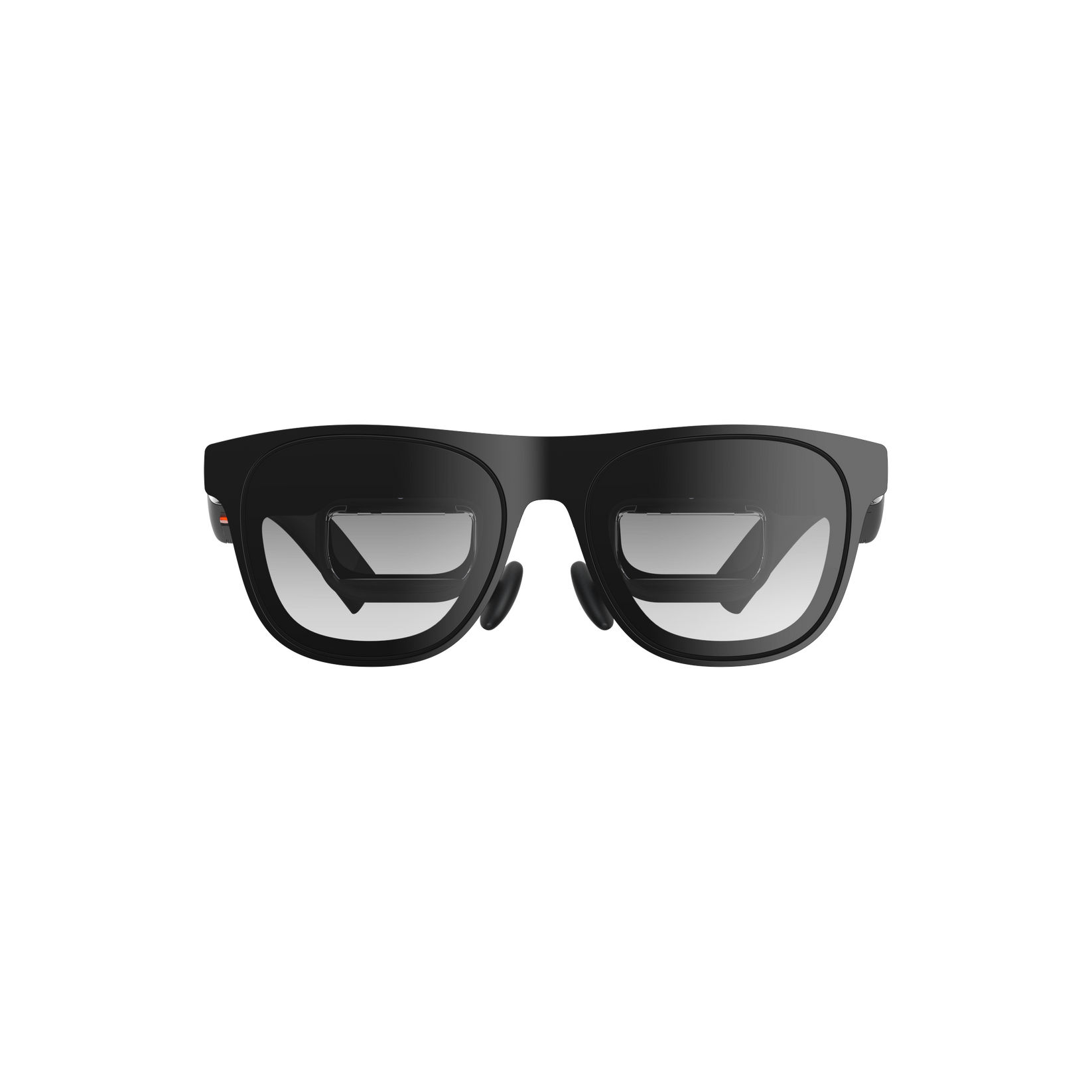
Display glasses such as XREAL are a starting point for this use. What matters is whether your device can output the content you want and whether it looks comfortable to your eyes. Do not assume a USB-C connector alone ensures compatibility; check the exact device and required connection hardware.
The official XREAL One Pro image illustrates this category. This does not mean I conducted a hands-on image-quality comparison for this article. Check the product page for sizes and compatibility requirements.
For photography, think of a wearable camera
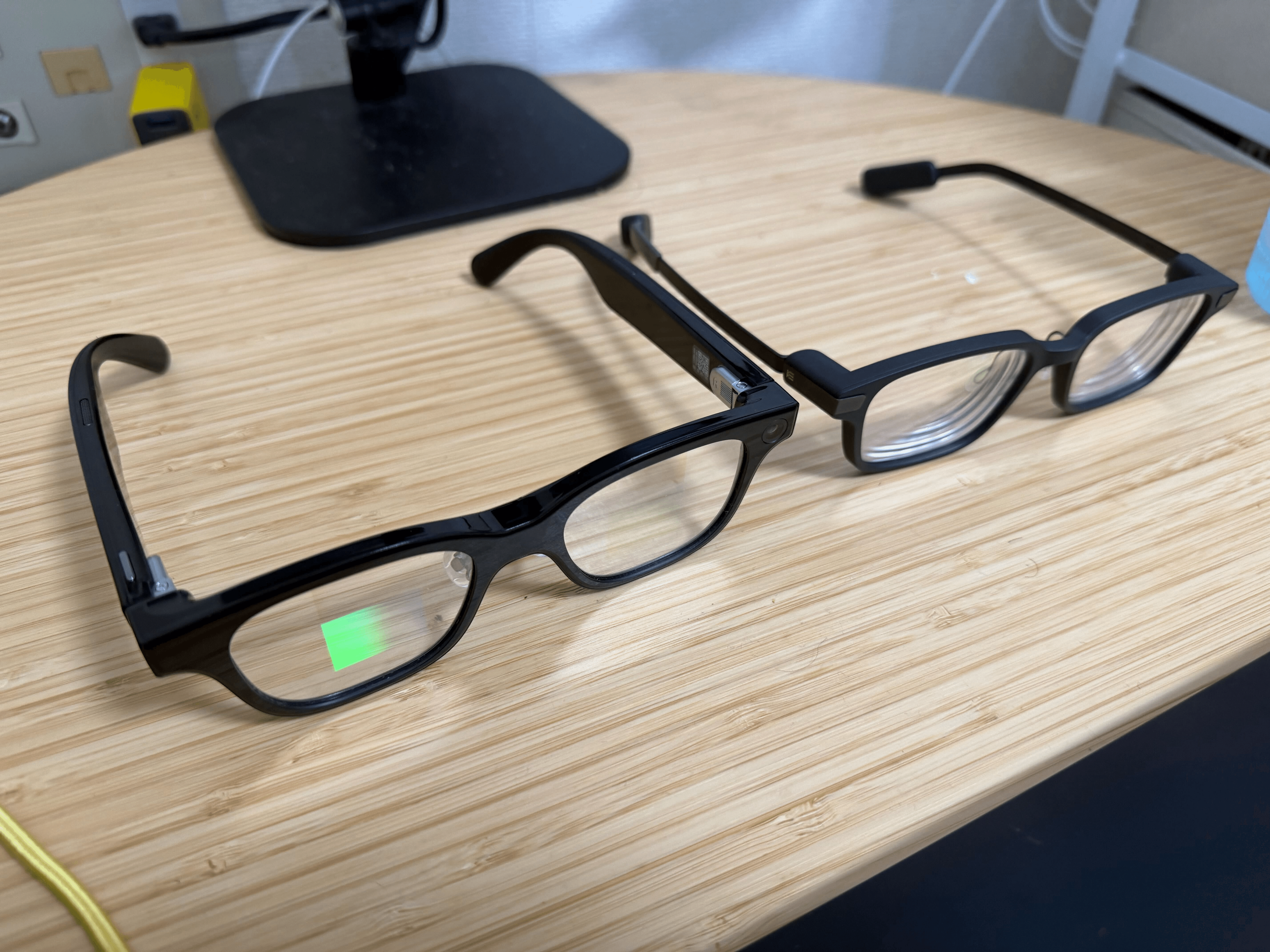
For camera glasses, ask whether there are moments you want to capture without holding up a phone. With the Rokid Glasses I used, I liked taking photos from a natural posture. It also had a display, but I did not treat it as a purchase for the same large-screen viewing experience as display glasses.
The point of wearing a camera is that both hands remain available while filming: petting an animal, holding a child, or cooking. You can record those moments without changing your posture to hold a phone. For vlogs, recording what you see from a first-person perspective is part of the appeal. Below is my example shot with Rokid.
The author’s video example shot with Rokid Glasses, posted May 21, 2026. The post also discusses Ray-Ban Meta, but the attached video was recorded with Rokid.
For notifications and subtitles, think of reading in your field of view
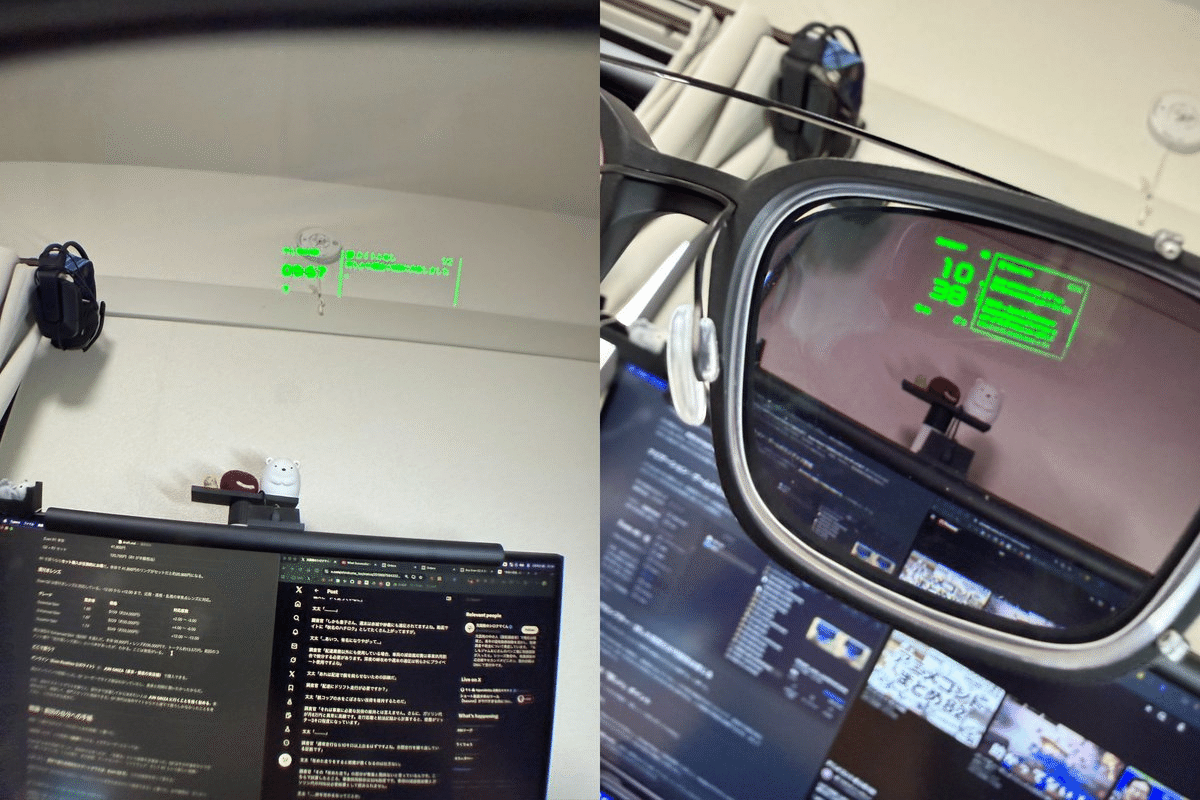
What I valued in Even G2 was the feeling of adding notifications and subtitles to everyday eyewear. Wanting a big screen for movies or photography is a mismatch of purpose. Consider whether you intend to wear glasses daily and how often you would read the display.
These are buying-use categories, not a strict industry taxonomy, and some products serve several roles. Decide which experience matters most, then check fit, controls and charging. That order makes it easier to avoid choosing on feature count alone.
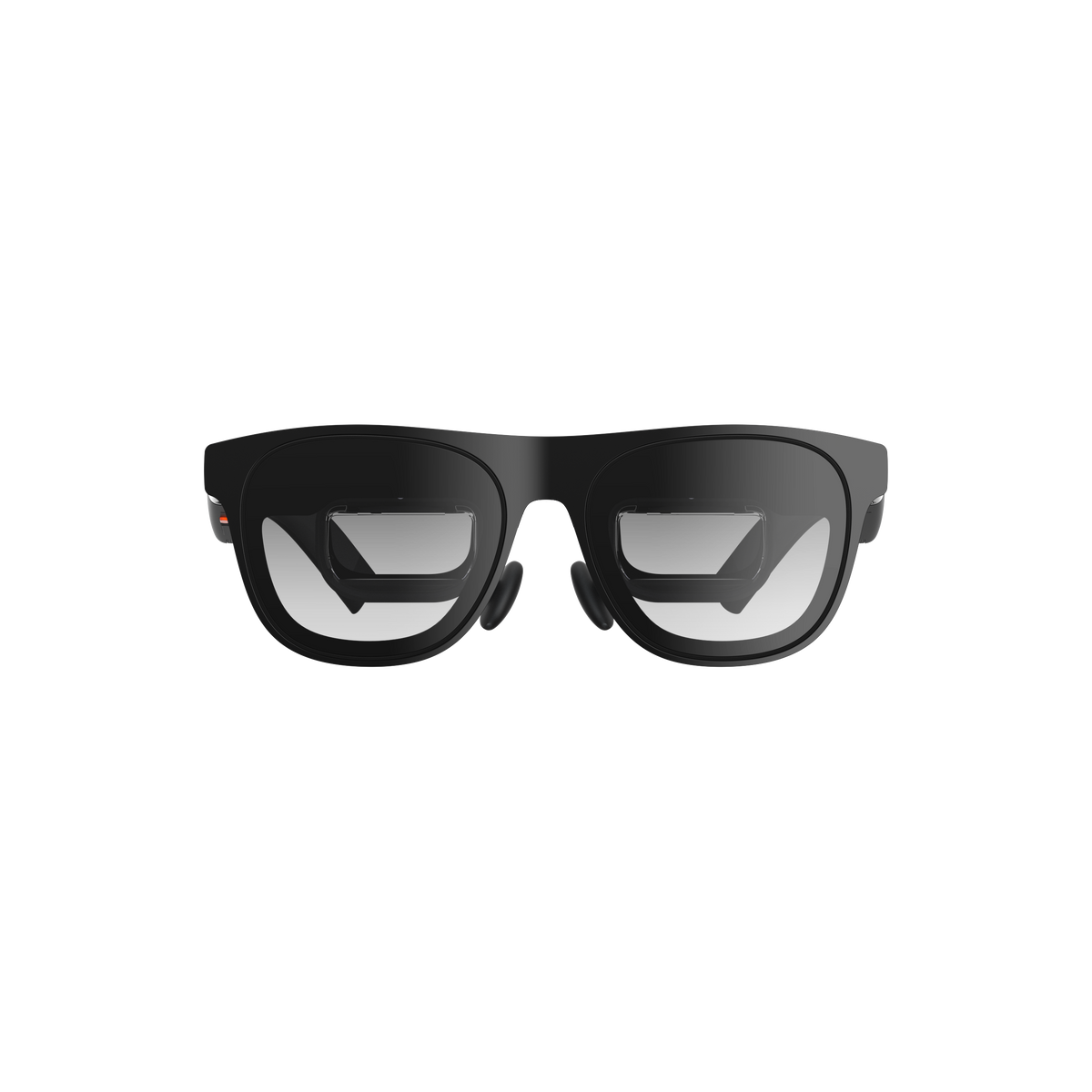 XREAL One Pro
 Even G2
 Rokid Glasses