
Buying guide
Amazon Prime Appreciation Sale 2026: Smart glasses on sale
Translation and photography with Rokid and INMO; movies and games with XREAL and VITURE. Sale prices and the differences that matter in use.

Members-only smart glasses offers have begun in Amazon Japan's Prime Appreciation Sale 2026.The sale schedule is the early sale runs October 13–15 and the main sale October 16–19。
This selection covers sale and member prices for Rokid and INMO for translation and photography, and XREAL and VITURE for movies, games and PC displays. Prices come first, followed by differences in everyday use.
These are tax-inclusive sale and member prices checked on October 13. Rokid is listed at a Prime member price, without a sale label. Regular prices come from manufacturer announcements; comparison prices for Rokid and INMO are those shown on Amazon product and offer pages. Prices may vary by seller, size and bundle.
| Model | Regular/comparison price → Sale/member price | Main uses |
|---|---|---|
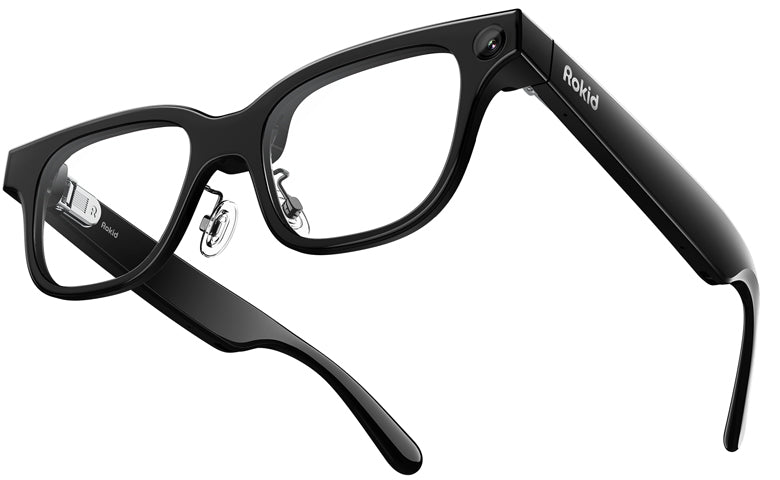
| Rokid Glasses | ¥109,890 → ¥97,900 | Translation, scripts and photography |
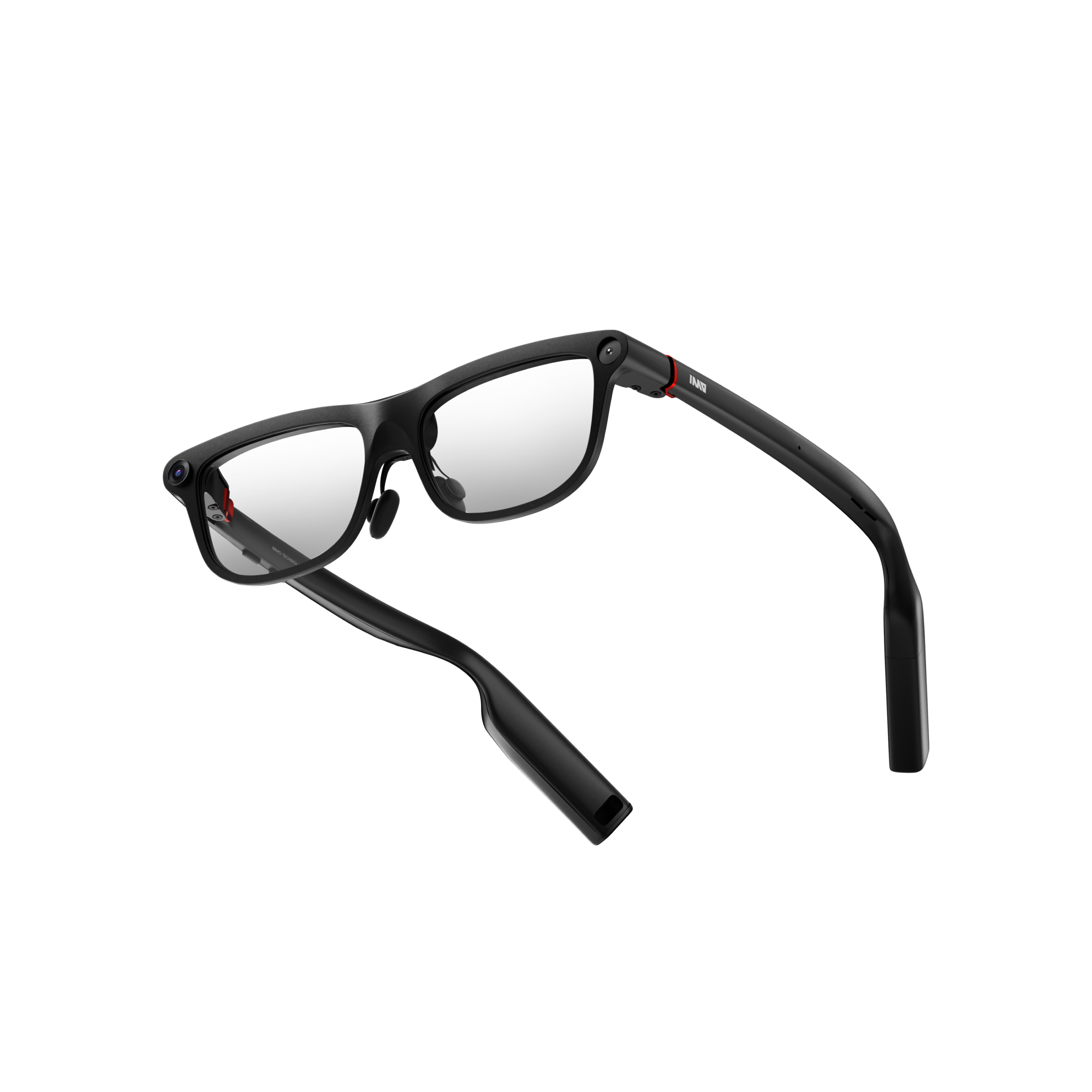
| INMO GO3 | ¥99,800 → ¥84,830 | Translation, scripts and photography |
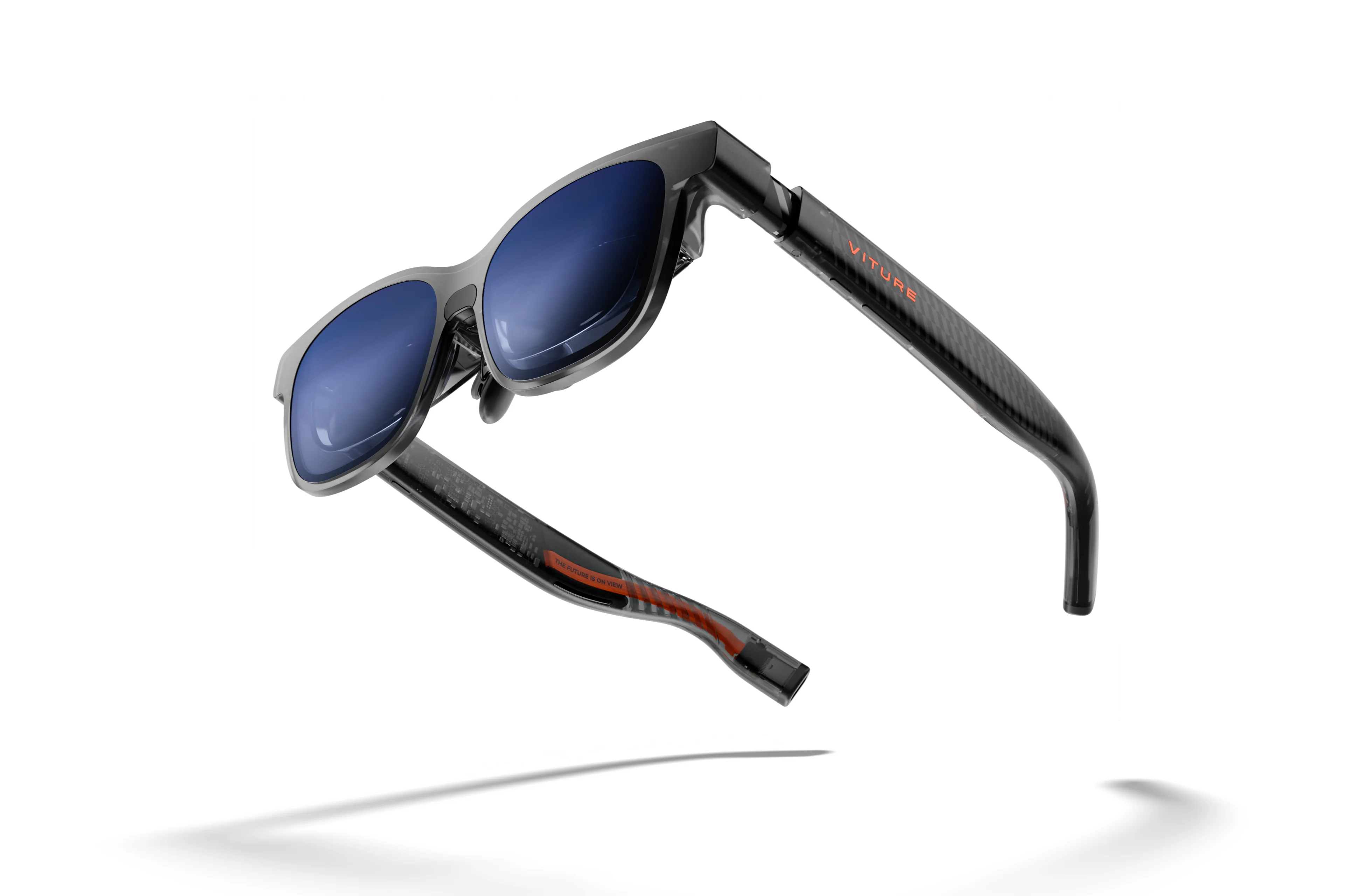
| VITURE Luma | ¥64,880 → ¥50,880 | Movies, games and PC |
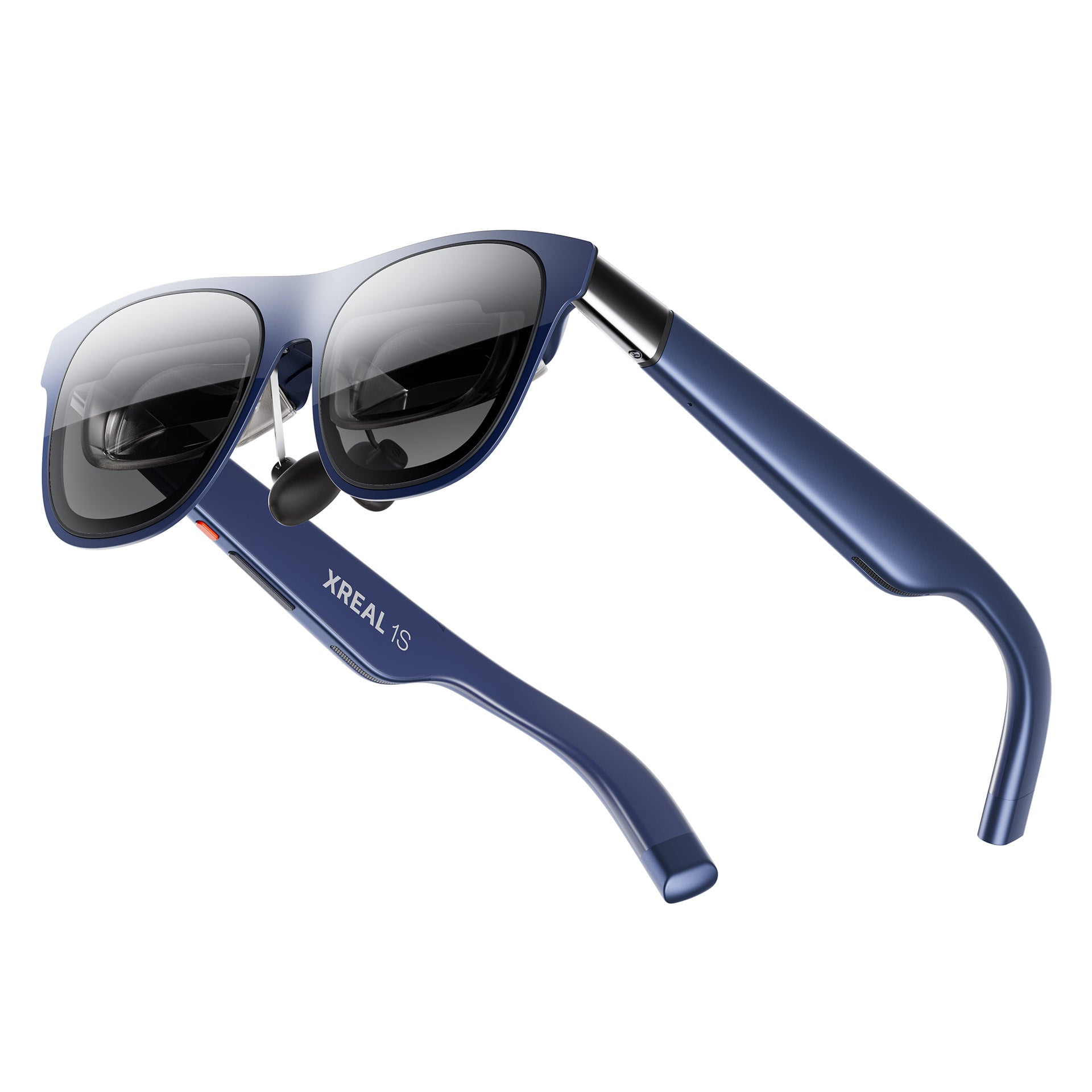
| XREAL 1S | ¥67,980 → ¥61,180 | Movies, games and PC |
| VITURE Luma Ultra | ¥89,880 → ¥73,880 | Movies, games, PC and spatial interaction in supported setups |
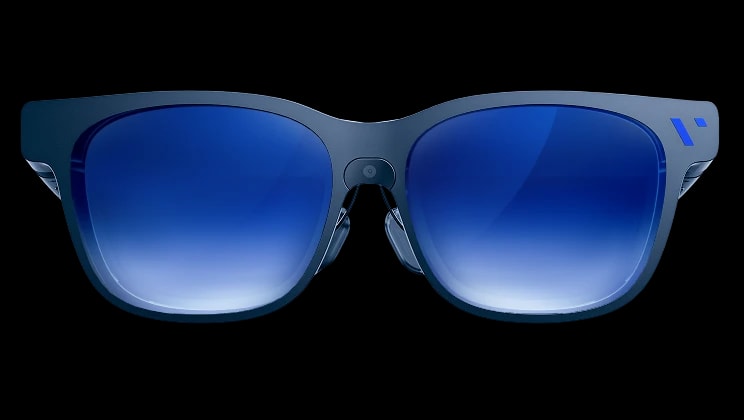
| VITURE Beast | ¥82,880 → ¥74,500 | Movies, games and PC |
| XREAL One Pro | ¥84,980 → ¥76,480 | Movies, games and PC |
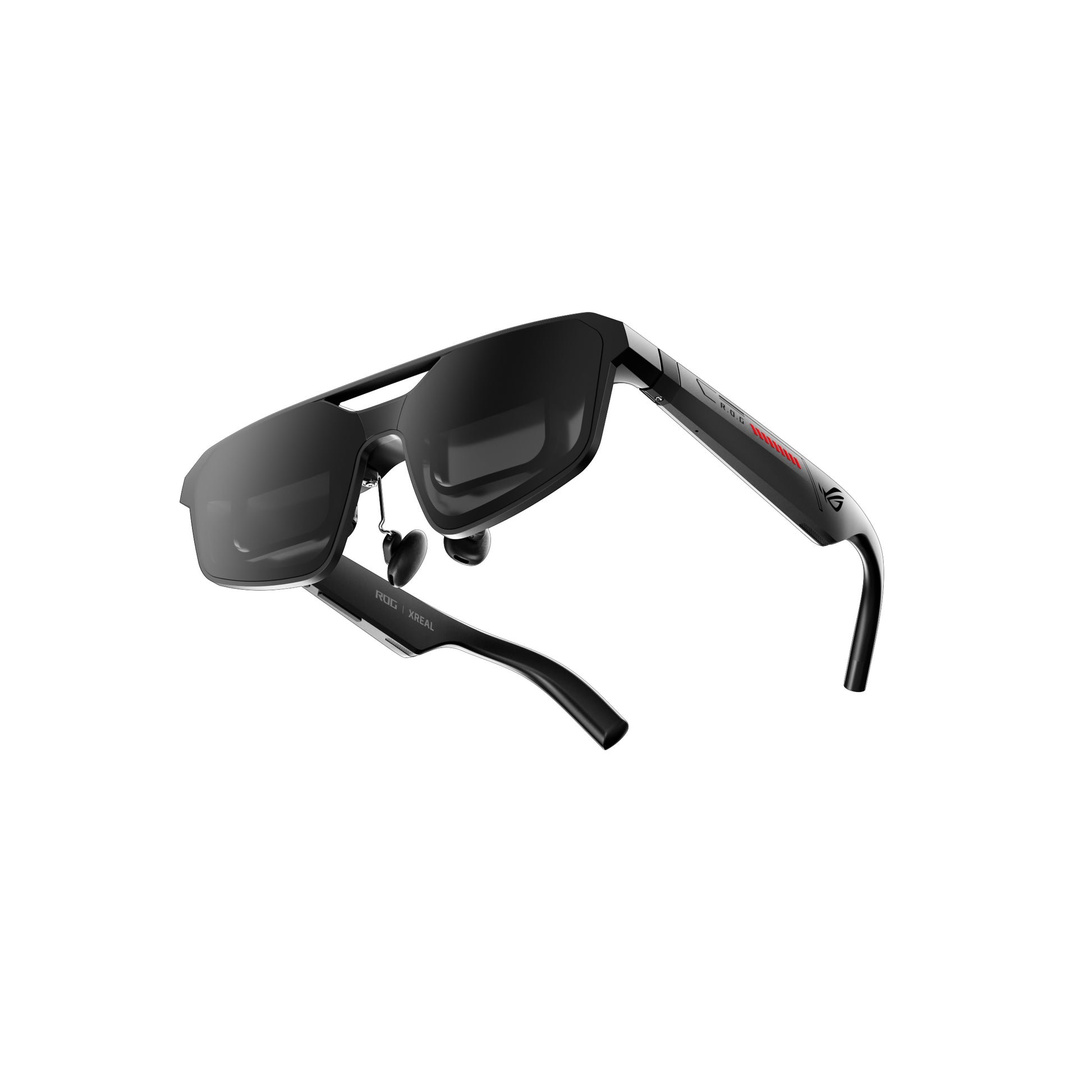
| ROG XREAL R1 | ¥141,550 → ¥127,395 | High-refresh-rate gaming |
Rokid and INMO for everyday translation and photography
Both Rokid Glasses and INMO GO3 take photos and videos and display green monochrome text in your view. They support translated conversations and reading scripts, serving a different purpose from external-display glasses for movies.Rokid official FAQ/INMO Japan official site
Hands-free recording and clip length
What I found convenient about Rokid was recording something close to my own viewpoint without keeping a phone raised. Photos captured a wider view than I expected, and I felt the image quality was decent.My Rokid introduction includes sample photos and videos.
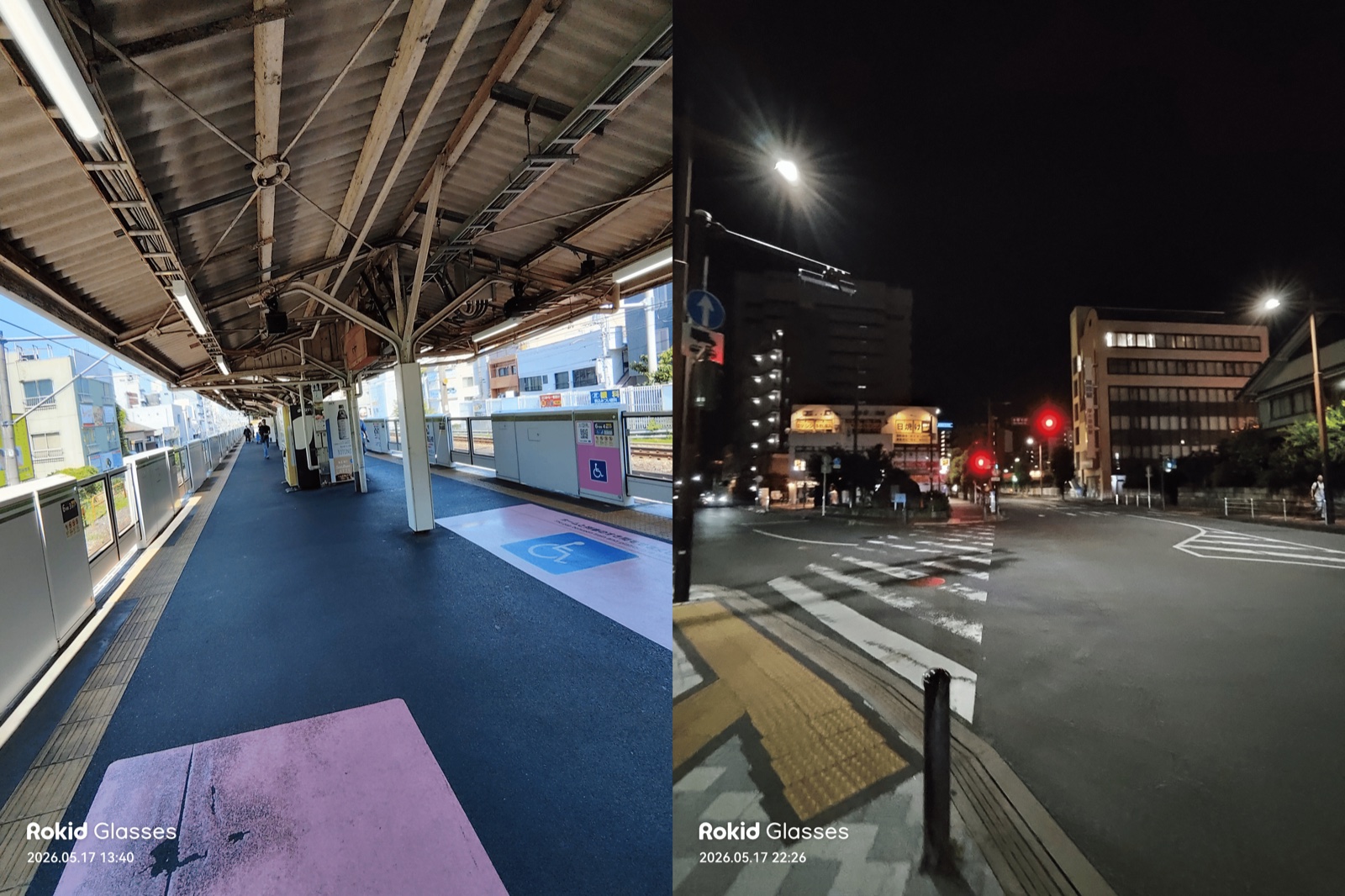
INMO also lets you record hands-free. Its official video specifications are landscape-only 720p at 30fps, with clips up to 60 seconds. That suits brief moments. Rokid's official FAQ lists a maximum of 10 minutes per clip, which matters if you want to record for more than a minute. Recording length and image quality are separate considerations, so check samples if image quality matters to you.INMO recording specifications/Rokid recording settings
Reading translations and conveying your reply
Consider not only reading the other person's words as subtitles, but also how you will convey your reply. INMO can show translated text on your phone and play translated speech through it. The optional INMO Speaker can deliver your reply from a speaker clipped near your chest, for example. The glasses' built-in speakers are for the wearer to hear, so they serve a different role.INMO translation features
INMO supports offline translation in nine languages, but still requires a Bluetooth connection to a phone. Offline does not mean the glasses work alone. Rokid also supports two-way conversation through DuoTalk in the Hi Rokid app. Rokid's online translation and other features require points or a paid plan after the free allowance is used up, so frequent users should consider service costs as well as the purchase price.INMO Japan official site/Rokid Japan official site
Battery swaps away from home and fit
INMO includes one spare battery and a battery charging case. Swapping in a charged battery reduces the time spent waiting for the glasses to charge. However, AI Watch's hands-on review reports that swapping the battery powered the glasses off and required a restart.
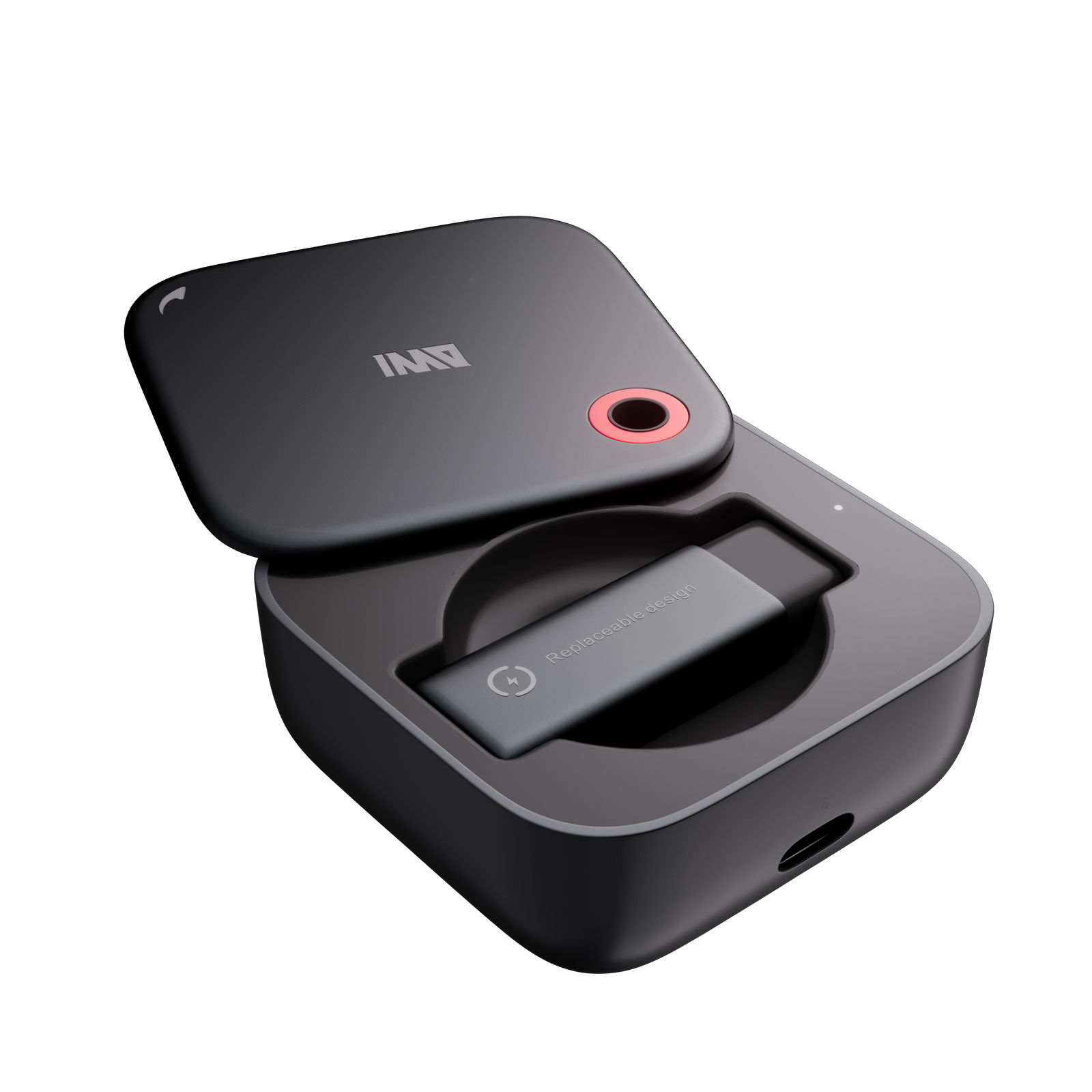
With my Rokid's initial settings, I found myself worrying about the remaining charge by evening. It uses a dedicated magnetic cable, so I would consider both time to charge while out and carrying that cable. The different approaches are covered in my charging comparison.
Fit is about more than the weight figure. I liked Rokid's cushioned nose pads and flexible temples. INMO also offers prescription inserts, so if you usually wear glasses, try the weight and view with prescription lenses fitted.
The price difference here is ¥13,070. Both can take photos and videos, so compare whether you like Rokid's sample images and fit, or whether INMO's translated replies and battery swaps suit your life. Rokid's ¥97,900 price was for the glasses alone, sold by Rokid Japan and shipped by Amazon. INMO's ¥84,830 price was checked with INMO JP as the seller.
How the screen moves when watching movies lying down
XREAL and VITURE are options if you want a large picture while lying down without holding up a phone. Whether the screen follows your face or stays in the same direction changes how you watch.
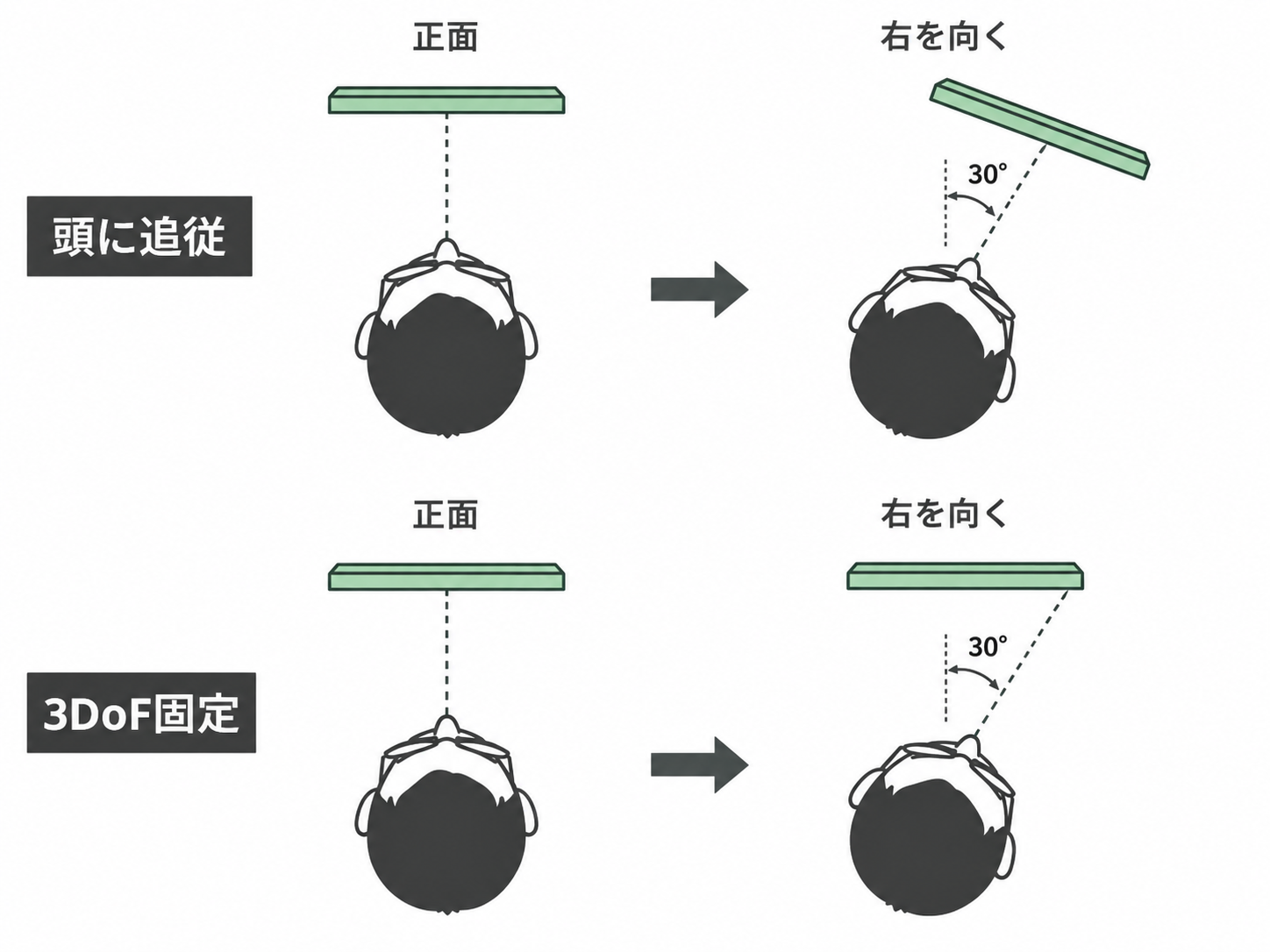
What bothered me with a head-following display was looking at the edges. When I turned my face, the screen followed, leaving me to look sideways with my eyes alone. That was quite tiring. For just watching movies, though, I found it tolerable.
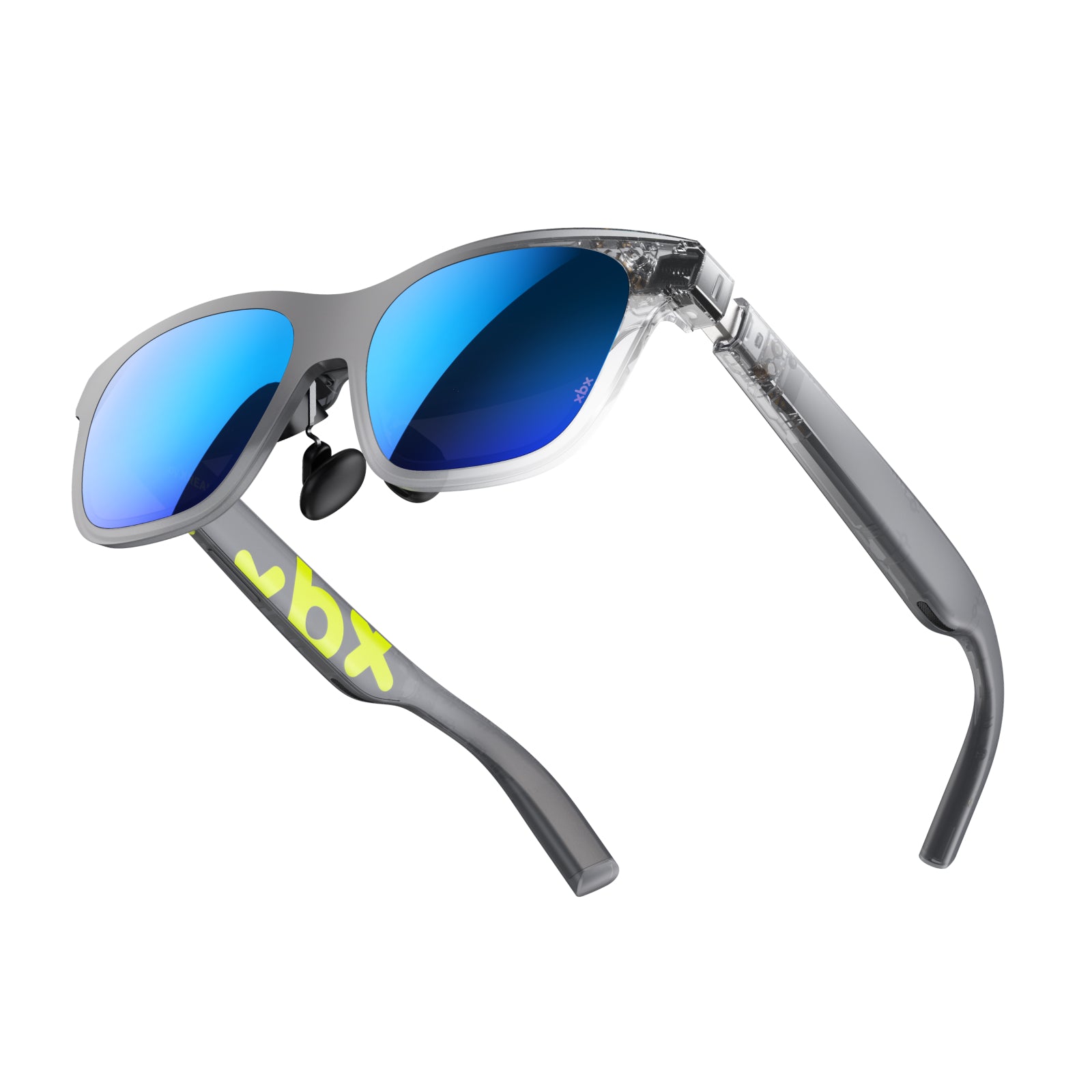
One lower-cost option to try is XREAL xbx a01+. In this comparison it is not on sale, at its regular price of ¥43,980。The official description says the screen smoothly follows the direction you face. The difference from the 1S sale price of ¥61,180 is ¥17,200, but compare display quality and fit as well as screen anchoring.XREAL pricing announcement
In 3DoF anchor mode, the screen stays in the same direction when you turn your face. You can turn toward the edge of the screen to look at that area. XREAL 1S and One Pro handle this onboard, so they can connect directly to a compatible video-output device.XREAL specifications
The ¥50,880 Luma has left and right dials for myopia adjustment up to −6.00D. If the range and resulting view suit your vision, it can save you from having separate prescription lenses made. It uses SpaceWalker for 3DoF. Anchoring on iOS requires a compatible adapter sold separately. Distinguish simply displaying video from your device from anchoring it through an app when choosing.Official Luma page
One Pro and Beast are also options for a wider, more immersive movie view. Their fields of view are 57° and 58°, compared with 52° on the 1S. Beast also has onboard 3DoF, but no myopia-adjustment dials; prescription lenses provide vision correction. One Pro comes in two sizes for different interpupillary distances. Before paying for a wider view, check whether you can see the whole screen with your own eyes.Official Beast page/One Pro official page
Compare xbx, Luma, 1S and One Pro. When checked, the 1S member price appeared under Amazon's ‘See all buying options.’
Smooth gaming and your video source
The glasses mentioned for movies can also let you play without using a TV. Consider ROG XREAL R1 if smooth motion matters for fast-paced competitive games.
ROG R1 is ¥127,395, and the listing checked included the ROG Control Dock.ASUS specifications lists 120Hz, or 240Hz with Frame rate Boost enabled.
Hz describes how often the display refreshes; fps describes the number of video frames the game generates. Even with a high refresh rate, the smoothness you get depends on the input video and game frame rate. If your PC can run the games you want at high fps, there is a reason to budget for R1's smooth display. For movies or slower-paced games, you might prioritize vision correction and fit instead.
Compare R1, 1S, One Pro and Beast. For consoles, check supported resolution and refresh rate across the full connection, including docks and adapters.
Reading and moving around your PC workspace
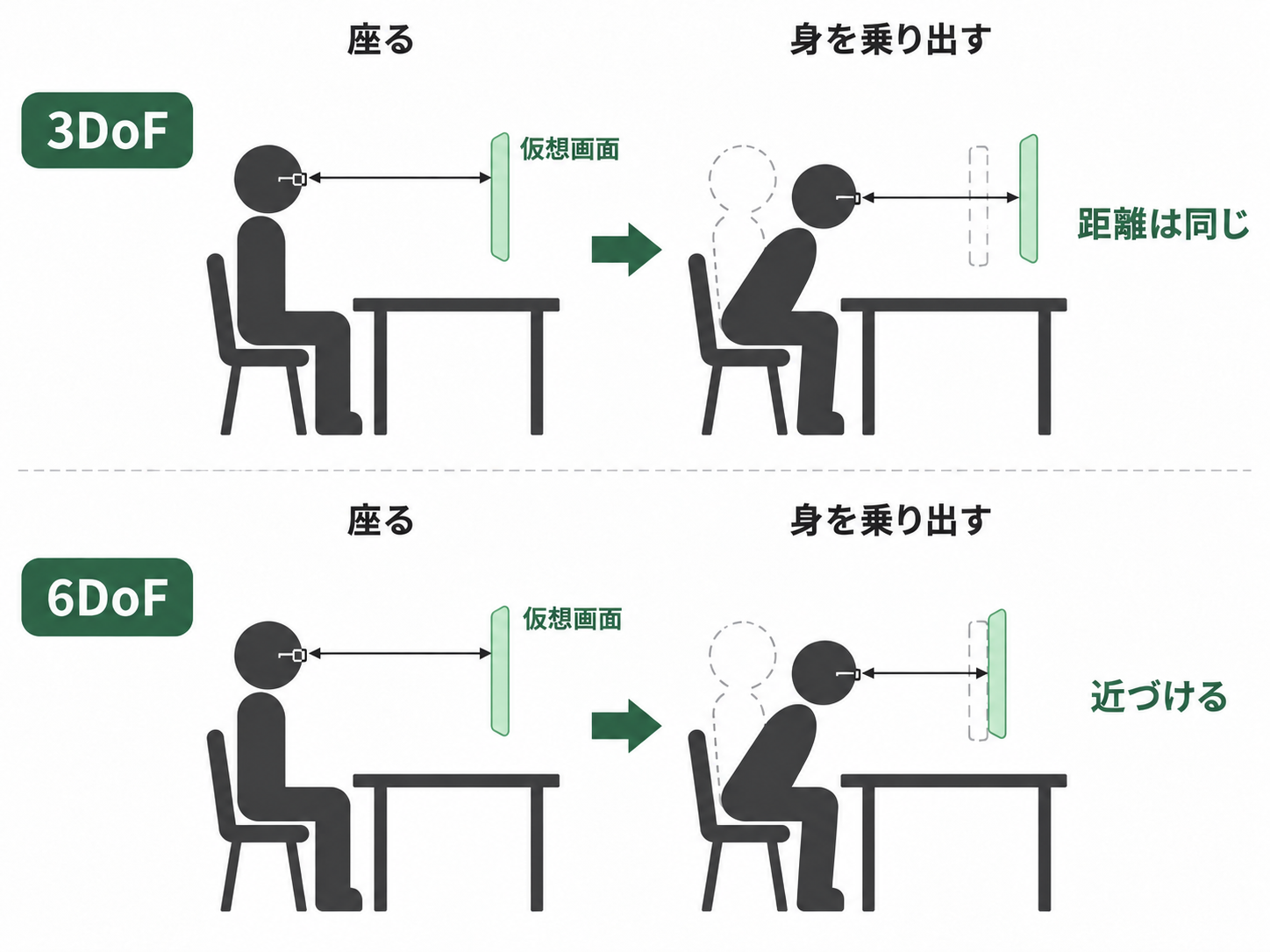
Moving between reference material and a draft, or reading numbers at the edge of a spreadsheet, means looking around the screen more than when watching a movie. Based on my experience described in the movie section, I would first compare whether the screen can be anchored. 3DoF tracks head rotation, allowing you to turn toward content, but does not track positional movement forward, backward or sideways.
6DoF also tracks position. If a supported app anchors a screen in space, you can lean forward to approach it, much as you would a desk monitor. The ¥73,880 Luma Ultra is an option if you want those movements.6DoF alone does not automatically provide multiple screens or hand interaction。
The official Luma Ultra FAQ says SpaceWalker on Mac and Windows supports 6DoF but not hand interaction. Paired with Pro Neckband, both 6DoF and hand interaction are supported when both devices have the latest firmware. SpaceWalker on iOS and Android supports neither 6DoF nor hand interaction.
6DoF is not required just to arrange multiple screens. Luma also supports multiple screens in SpaceWalker on Mac and Windows. The hardware and cost depend on whether you want reference material arranged around you while seated, or want to move your body around the screens.Luma supported features
FOV, or field of view, affects how much you can see at once. A wider view helps you survey a workspace, while small-text readability also depends on resolution and scaling. More screens do not help much if the text is too small, so prioritize your usual text size and a fit that lets you see the edges.
Compare 1S, One Pro, Beast and Luma Ultra。
Total cost including accessories and prescription lenses
Display glasses require a separate phone, PC or other video source. A USB-C port does not necessarily support video output. To output video and charge a phone through its single port at the same time, you also need a compatible hub or adapter.
The XREAL 1S + Hub bundle is ¥62,866, and One Pro + Hub is ¥77,316, differences of ¥1,686 and ¥836 from the glasses alone. A bundle is worth considering if you need a power hub. VITURE's Pro Mobile Dock is ¥17,440; the 12GB/256GB Pro Neckband is ¥47,980. Adding that Neckband to Luma Ultra brings the total to ¥121,860, so decide your budget based on whether SpaceWalker on a PC meets your needs or you will also use Neckband features.XREAL sale announcement/VITURE sale announcement
Vision-correction costs also vary by model. Among the VITURE models here, Luma supports myopia adjustment up to −6.00D and Luma Ultra up to −4.00D; Beast has no adjustment dials. Luma models' built-in adjustment does not correct astigmatism. Consider prescription inserts if you have astigmatism or myopia beyond the adjustment range. Rather than assuming every VITURE model works without prescription glasses, check the view for your eyes and compare the total cost including lenses.VITURE's official myopia-adjustment and prescription-lens guide/Official Beast page
For translation and camera glasses too, prescription lenses, charging accessories and devices for conveying translated speech affect the total. Choose by checking that the discounted glasses fit your intended use and remain within budget once everything you need is included.
Products featured in this article
Compare products in this article →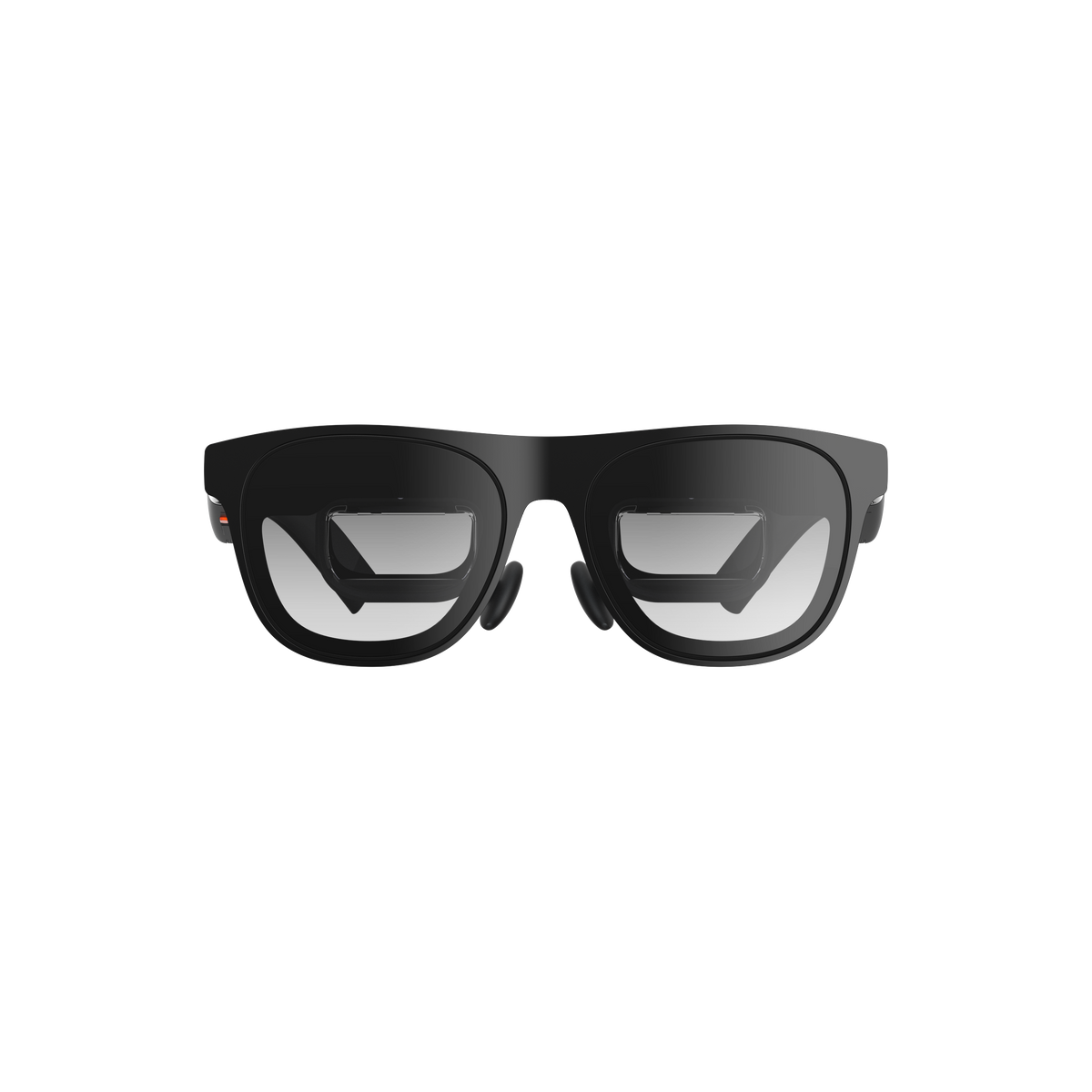 XREAL One ProSpecifications, prices, and related articles →
 XREAL 1SSpecifications, prices, and related articles →
 ROG XREAL R1Specifications, prices, and related articles →
 XREAL xbx a01+Specifications, prices, and related articles →
 VITURE LumaSpecifications, prices, and related articles →
 VITURE Luma UltraSpecifications, prices, and related articles →
 Rokid GlassesSpecifications, prices, and related articles →
 VITURE BeastSpecifications, prices, and related articles →
 INMO GO3Specifications, prices, and related articles →