
Buying guide
What is Rokid Glasses? My benchmark for camera-equipped smart glasses
Capture a view close to your own while keeping both hands free. Here is what I like about Rokid Glasses, which combines a camera, display, and audio, and what still gets in the way of daily use.
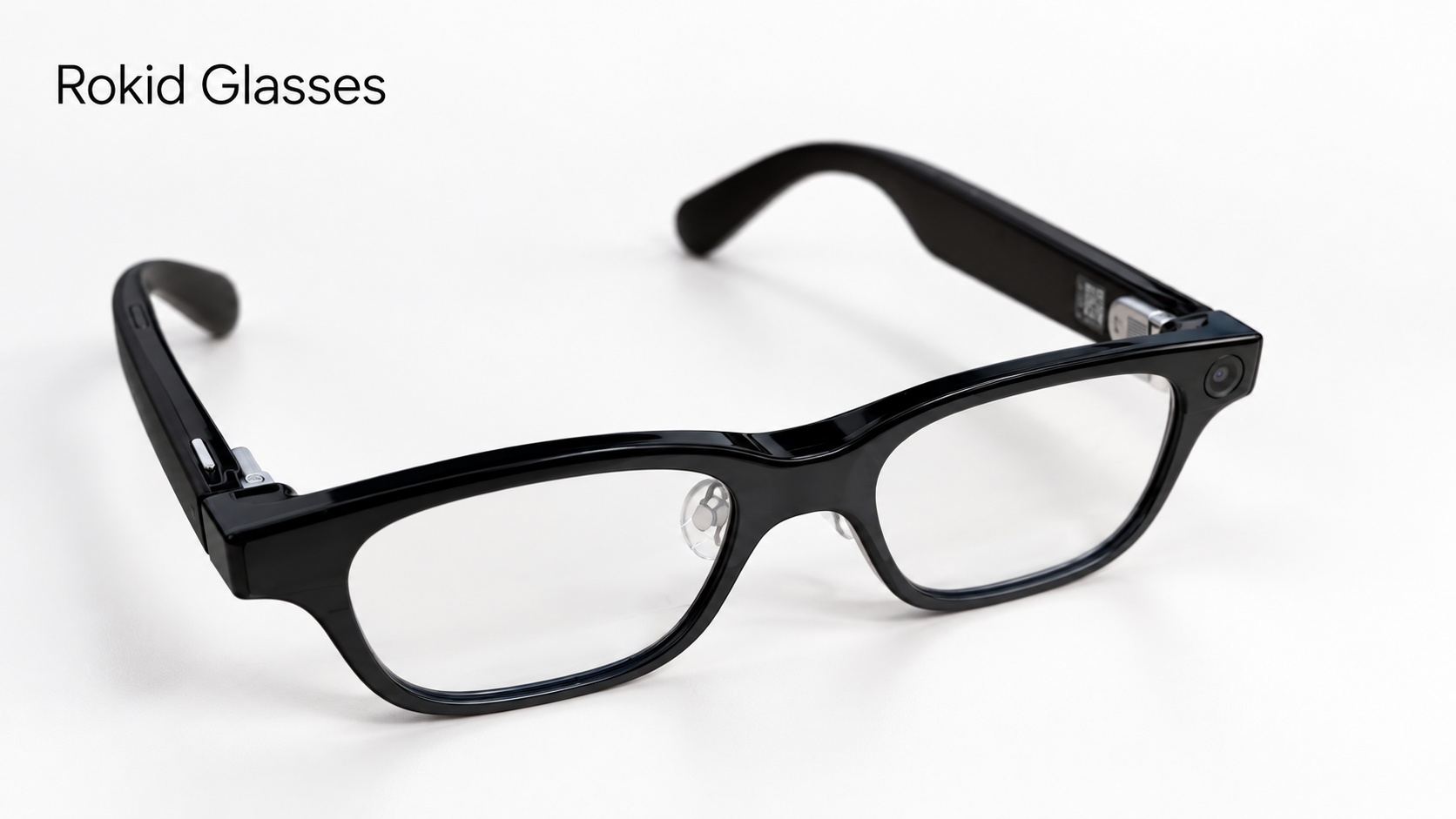
If you want smart glasses that let you record with both hands free and read text in your field of view, the first model I would introduce is Rokid Glasses indeed.
They combine a camera, speakers, and a green monochrome binocular display. One pair lets you try not just recording, but also reading subtitles and AI responses. I use Rokid Glasses as my benchmark when comparing camera-equipped smart glasses.
Keep doing what you are doing while recording
The clearest benefit of Rokid Glasses is being able to record video without holding up a phone.
Petting an animal, holding a child, or cooking with both hands: you can capture these moments from close to your own viewpoint. You do not have to free up a hand or interrupt what you are doing. That way of recording matters more to me than the camera's pixel count.
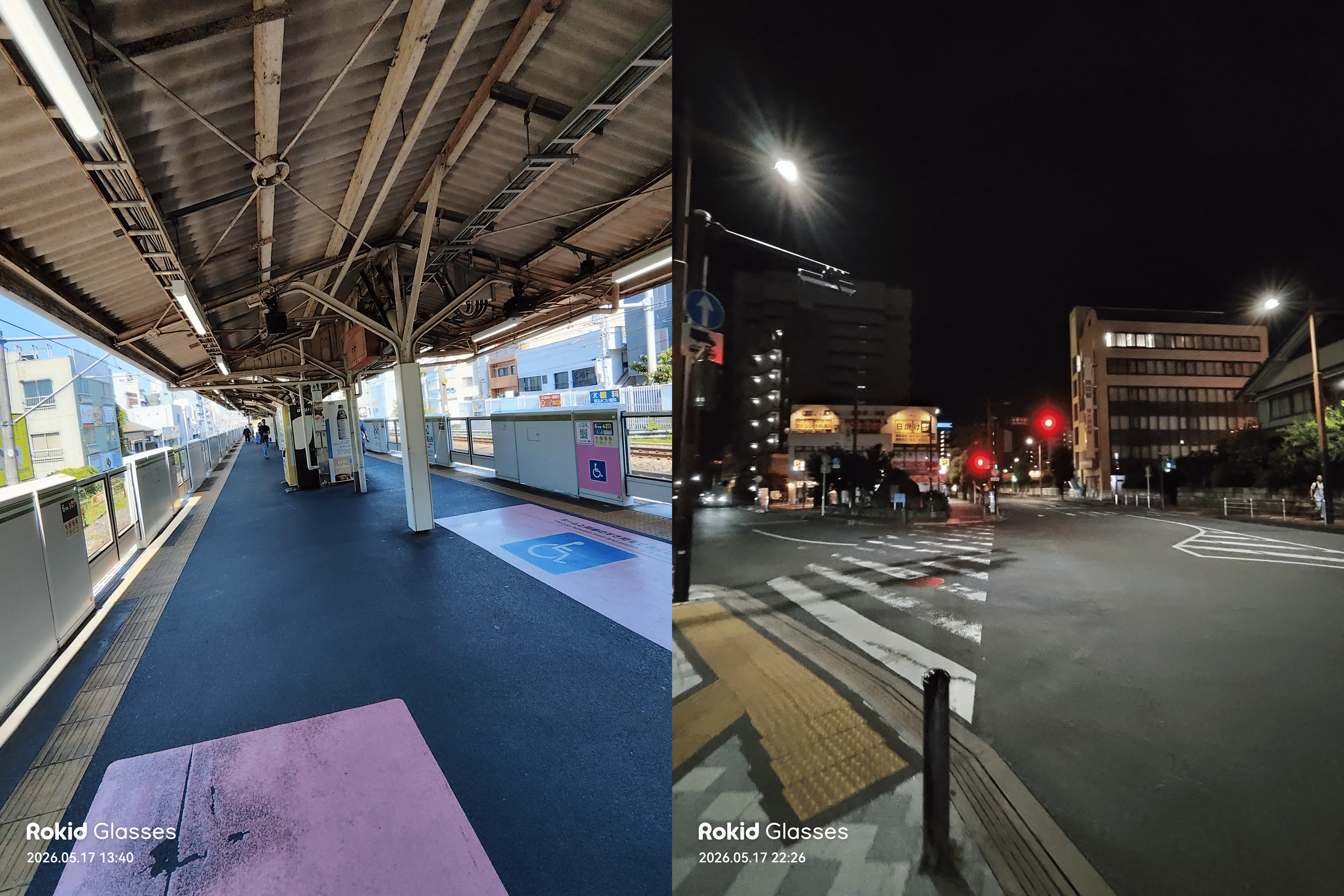
Here is a video I recorded with Rokid Glasses.
When I first saw the photos, I was surprised by how much fit in the frame. The image quality was not bad either. It is a more natural way to capture a moment than taking out and aiming a phone. A carefully composed photo and an ongoing moment in your life call for different cameras.
A camera, with text you can read too
The similarly named Rokid AI Glasses Style is a different product with no display. Check this distinction first when choosing a Rokid model.
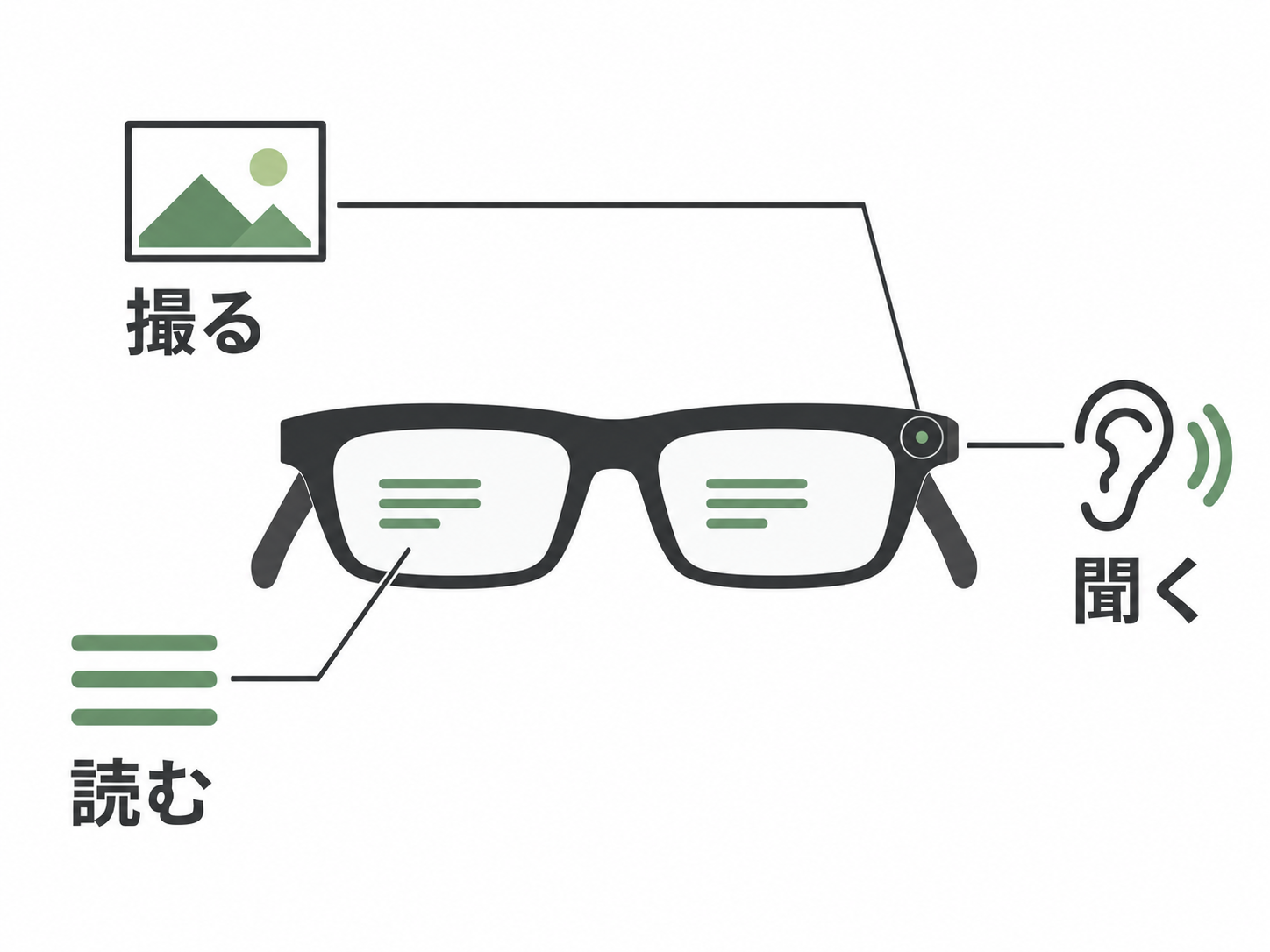
Rokid Glasses has a display that puts green text in the field of view of both eyes. You can read translated subtitles, AI responses, and speech scripts. Unlike glasses with a large color screen for watching movies, these add short pieces of information to the scene in front of you.
With glasses that only speak their answers, you have to wait until they finish. Text lets you read at your own pace. I often found it faster to read an AI response than to listen to it. You can record with a camera and receive information visually. That combination is why I use Rokid as a benchmark.
The Hi Rokid phone app handles settings and photo management. You can also ask AI about what the camera sees, but asking “What is this?” never became a daily habit for me. In my everyday life in Japanese, I do not often need a sign or menu explained. Being impressed by an AI demo and finding moments you want to record are separate things.
Plenty of features, with some friction in the controls
You can use a capture button, touch controls on the temple, and the “Hi Rokid” wake phrase. Pressing a physical button when you want to record is straightforward. When I used the glasses, though, reaching up to the temple each time I wanted to bring up the display bothered me.
Not having to take out a phone is useful, but raising your arm every time still takes effort. At the time, the difference from G2's slight head tilt and R1's ring controls stood out to me. Beyond adding features, I want fewer steps between wanting to use them and actually using them. I rate Even more highly for software and controls that fit naturally into daily life.
The speakers let you hear short audio without covering your ears. In a quiet room, though, I worried about sound leakage and kept using my usual earbuds. Buying these with the expectation of replacing all your music and call audio may lead to disappointment.
Battery life and comfort matter in everyday use
With the default settings and my usage, I was thinking about charging by the evening. If you want to make use of the camera, display, and AI, plan for the possibility of topping up during the day.
The official FAQ lists around 8–10 hours of mixed use, but around 2 hours with the display always on and around 45 minutes of intensive recording. That does not mean you can record continuously for 8–10 hours. For longer outings, choose charging accessories around how long you want to use each feature.
Charging uses a dedicated magnetic connector. The separately sold Power Capsule attaches to a temple and can supply power while you wear the glasses. If you are buying them for recording or subtitles, I would think about fitting a charging break into your day rather than disabling every feature you want to use to save power.
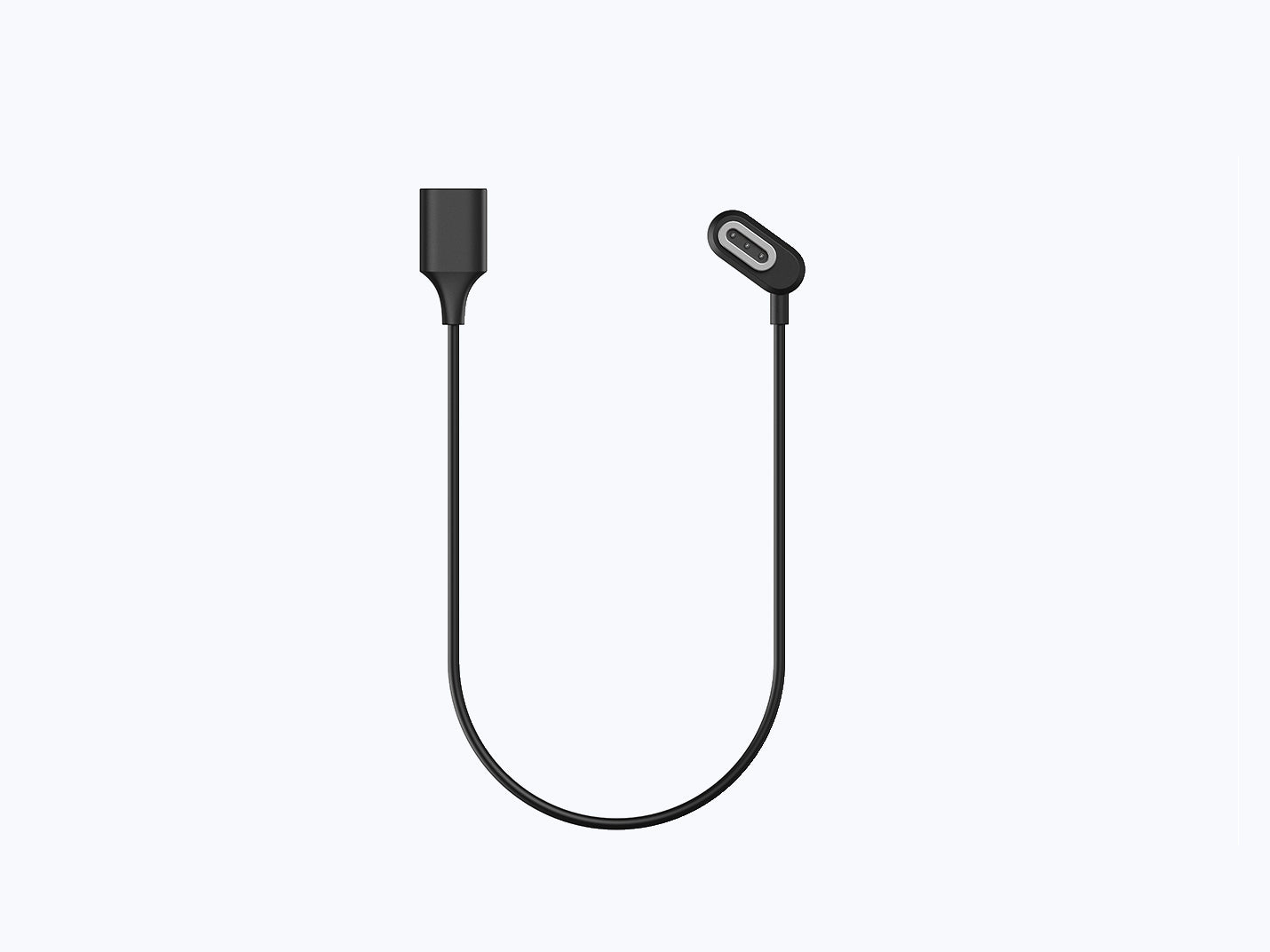
Weight is approximately 49 g according to the manufacturer. Prescription use adds the weight of the lenses and frame fitted inside the glasses, so this figure cannot be directly compared with the measured weight of your own prescription pair.
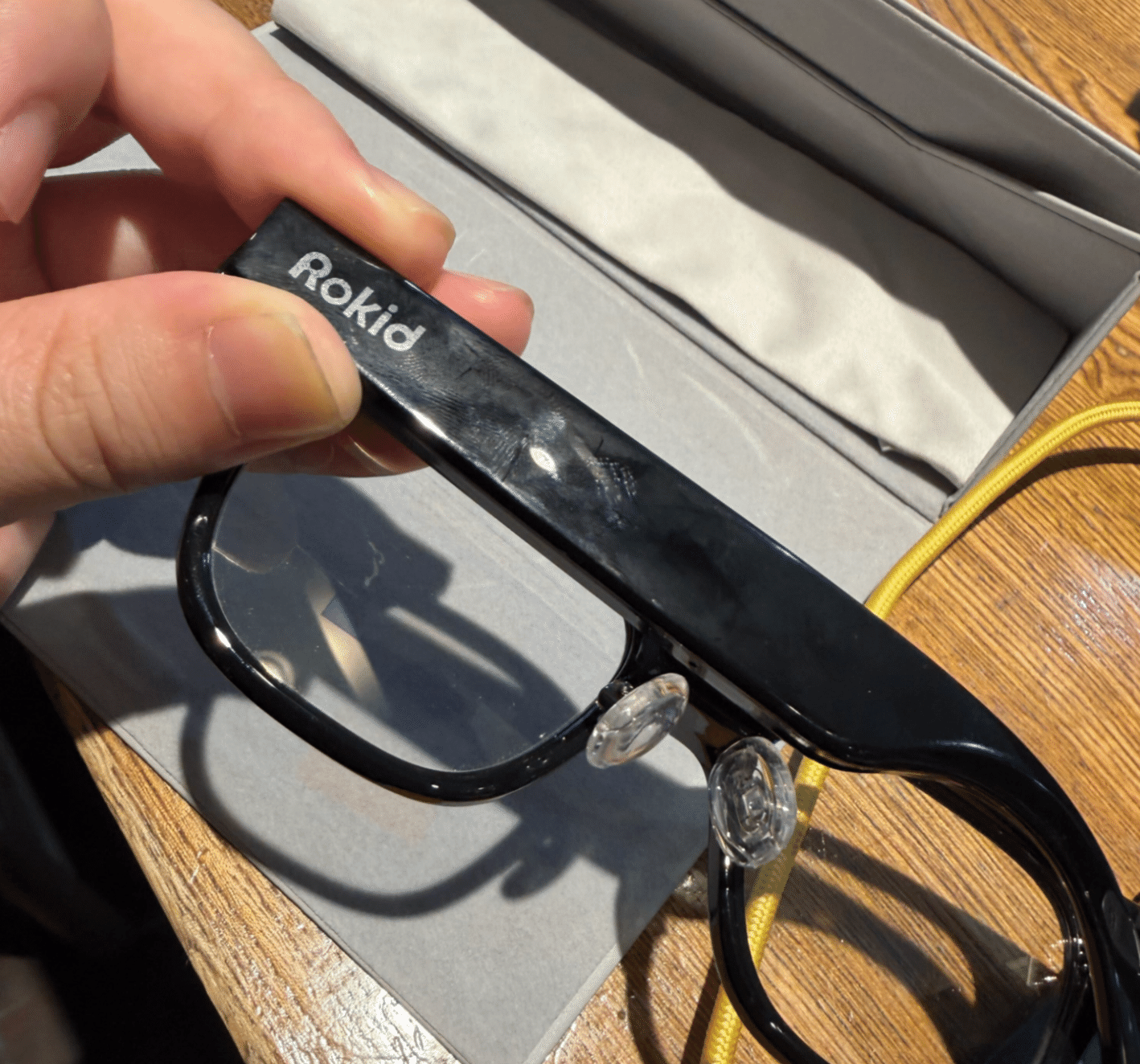
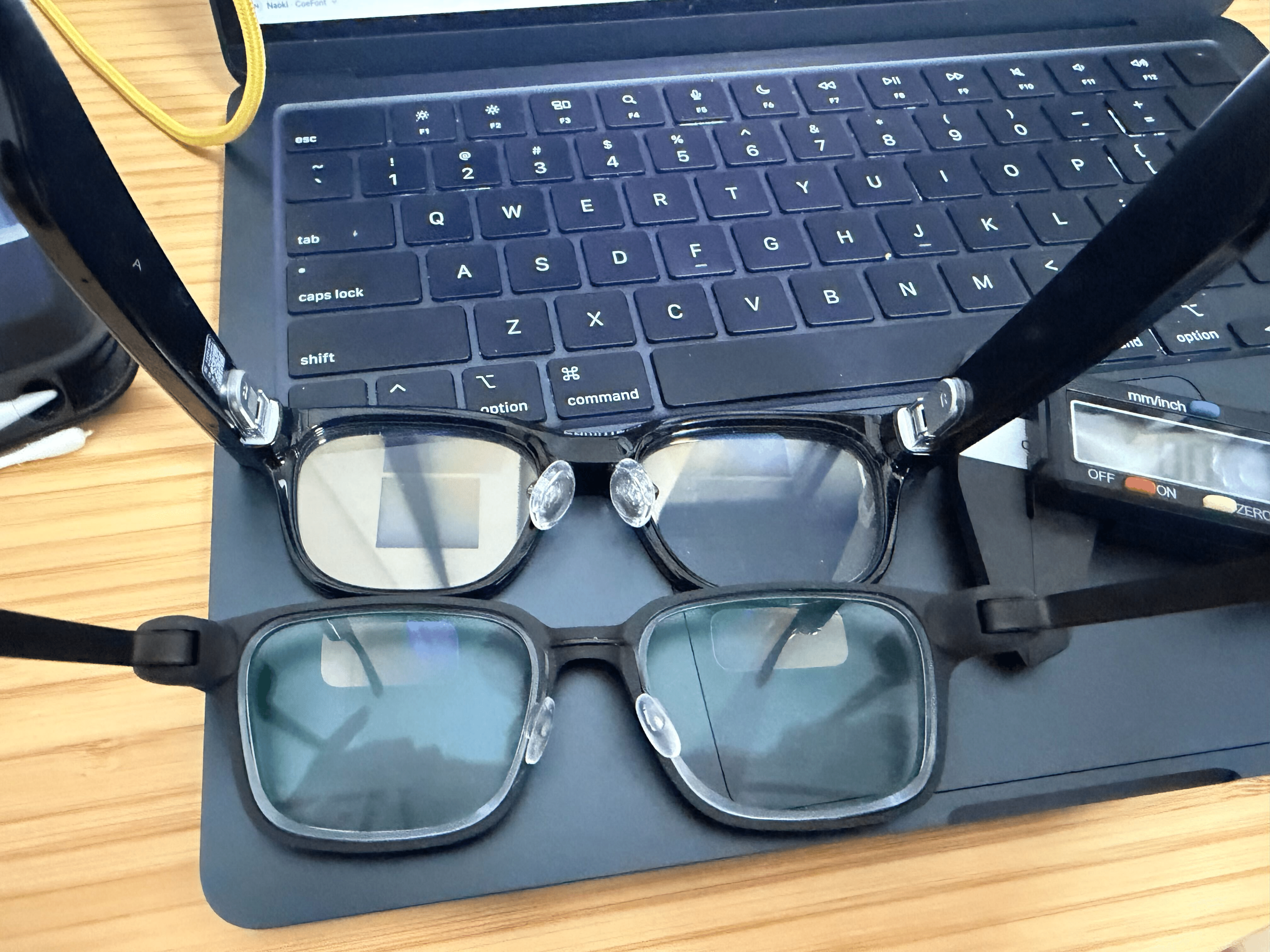
Weight alone does not determine comfort. Rokid's large nose pads have some cushioning, and the temples flex outward to relieve pressure on the sides of the head. They look a little bulky, but at times I found them more comfortable than G2. That is a clear strength of Rokid.
If you want a camera, start by comparing it with Rokid
Even when you are not using the camera, other people see a pair of camera-equipped glasses. Some people may feel uncomfortable even when you are not recording, and some places may require you to take them off. Think about where you will wear them as well as what you want to capture.
Even so, I have a reason to recommend Rokid Glasses to people who want to record their viewpoint while using both hands. In addition to recording, they let you check subtitles and AI responses visually, all in one pair.
The official Japanese price for the glasses is ¥109,890 including tax. Allow for prescription lenses and charging accessories if you need them. Features such as online translation have usage allowances and paid plans, so check the cost of the functions you expect to use regularly before buying.
When I look at new camera-equipped smart glasses, I want to know whether they make recording easier than Rokid, whether text is easier to read, and whether everyday controls and charging are simpler. Knowing Rokid Glasses gives you a useful reference for judging what a new model improves.
For my camera-free benchmark, see the Even G2 introduction. For a more detailed comparison, read my hands-on Rokid Glasses and Even G2 review.
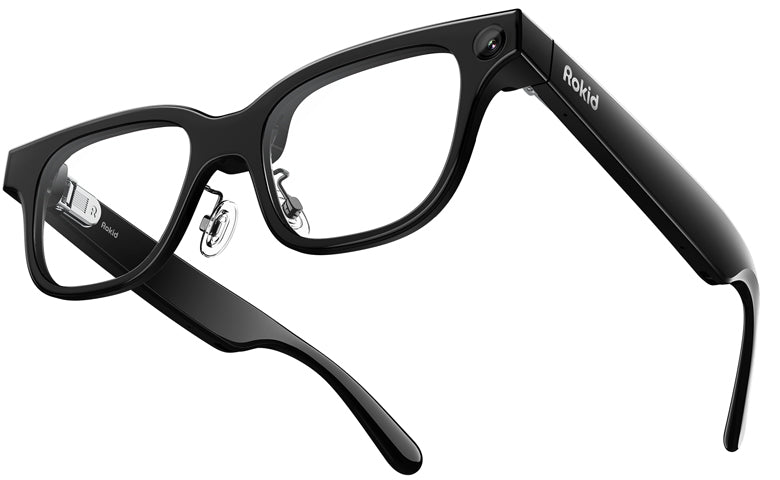 Rokid Glasses