
Buying guide
Is RayNeo iO’s Smart Crown easy to use? Why I liked physical controls
Turn to select, press to confirm: how it differed from touch controls, and the limit I noticed as an R1 user.
AI-assisted English translation of the author’s Japanese article. Product screenshots and embedded source material are reproduced in their original language. Read the Japanese original.
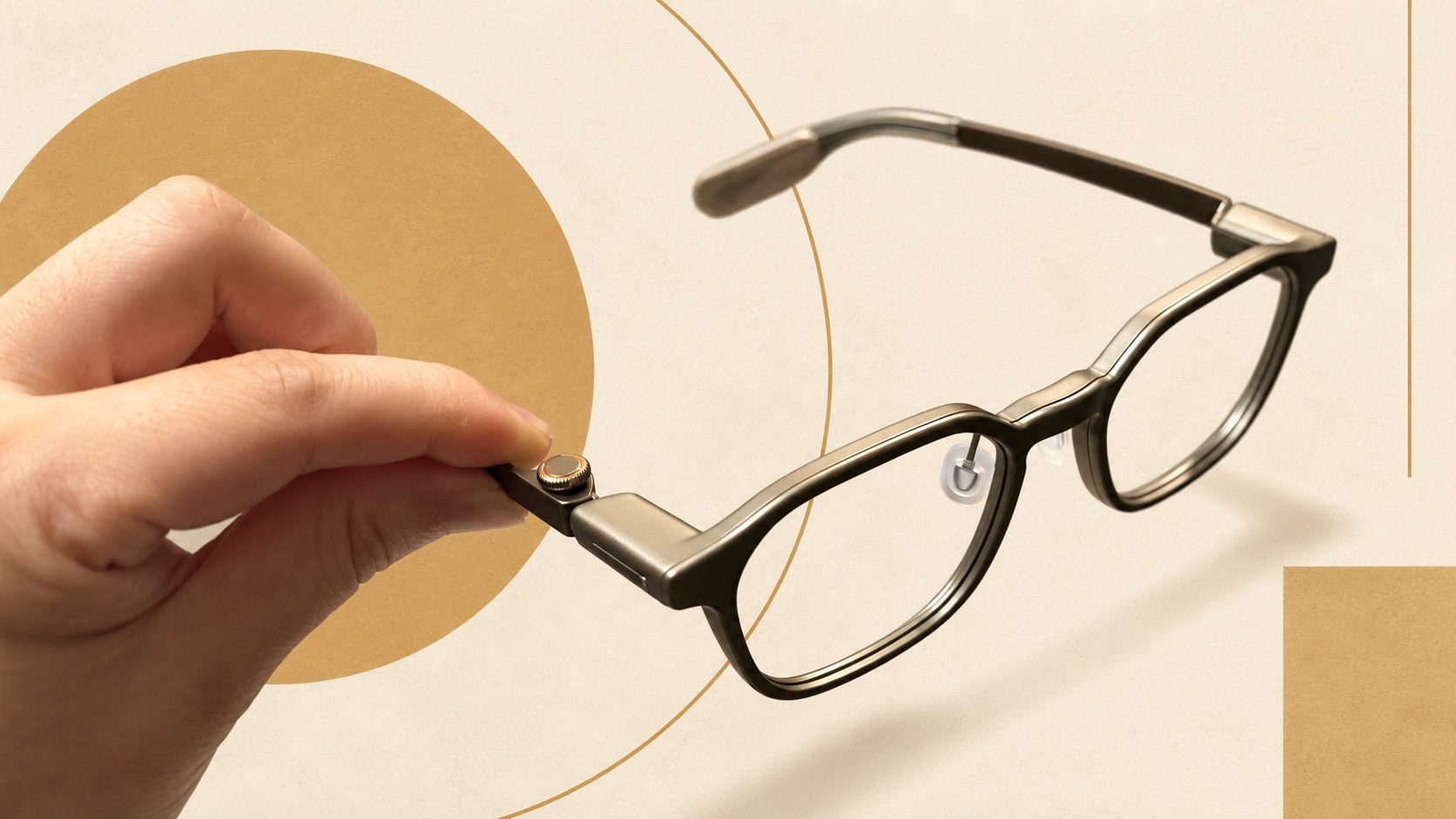
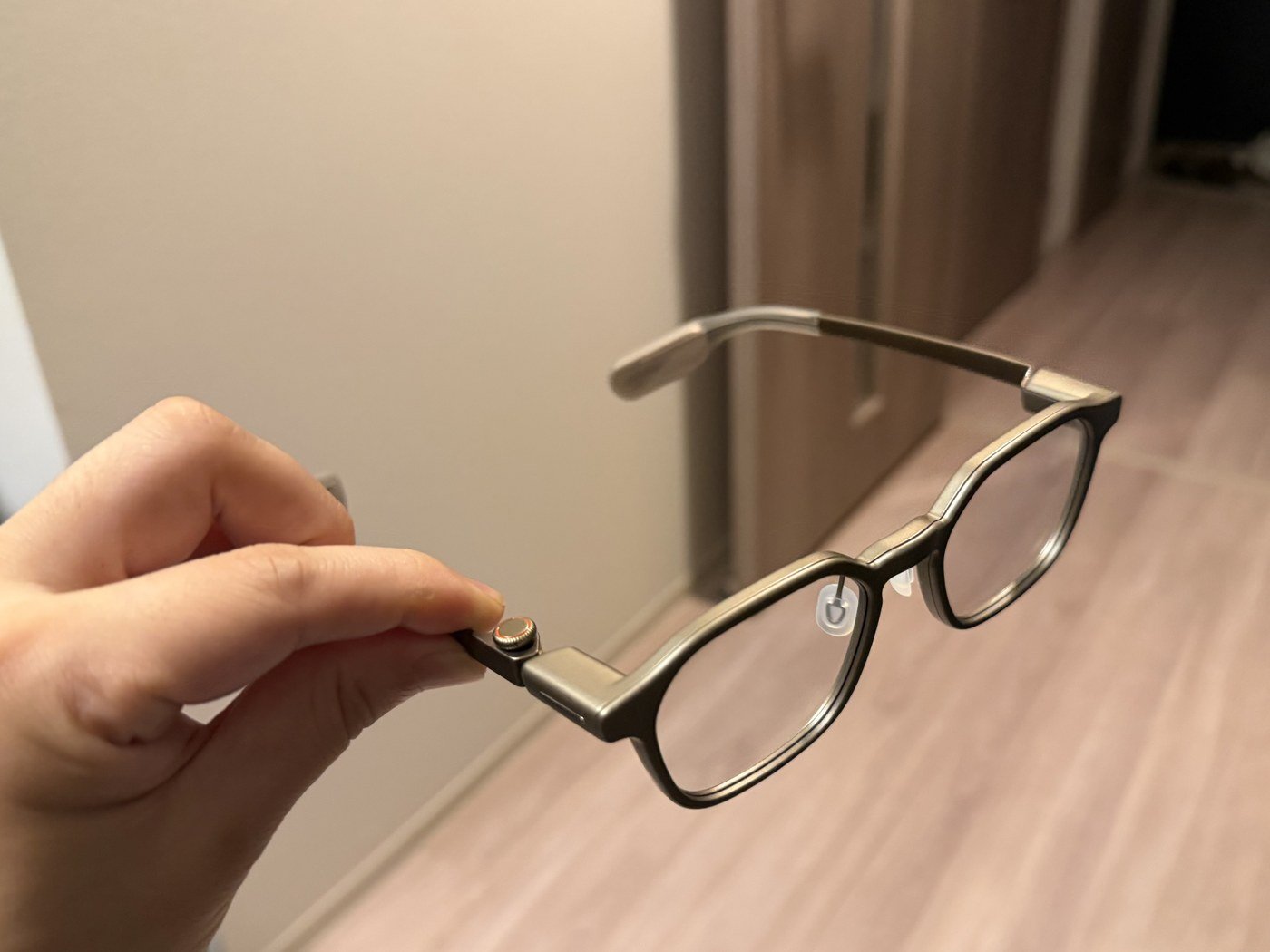
One of my favorite parts of RayNeo iO was the temple-mounted Smart Crown: turn to select, press to confirm. Clear controls matter in a daily-use device. It was a quiet but important strength, separate from the more conspicuous AI features.
The response matched the action
With touch controls, it can be frustrating when an intended touch fails or an accidental one registers. In my use of iO, turning and pressing the crown felt clear, and accidental double-click behavior did not bother me.
This is my experience, not a measured error-rate test. It did not catch my hair, but I have short hair, so I cannot assume the same for long hair. Check it with your own hairstyle and finger movements when trying the glasses.
You still have to raise your hand
Smart Crown improves clarity when operating the temple. It does not remove the need to reach for the glasses. Having become used to controlling Even G2 with R1 by my hand, I still noticed that difference.
Whether a control registers reliably and whether it requires a hand near your face are different questions. On-frame physical controls may appeal if you do not want another ring. Frequent users may value a controller by their hand.
Try selecting and confirming repeatedly
If you can try them on, go beyond fit: move through items, go back and confirm selections. Repetition reveals whether a control is intuitive for you. For me, Smart Crown was an essential positive in evaluating iO.
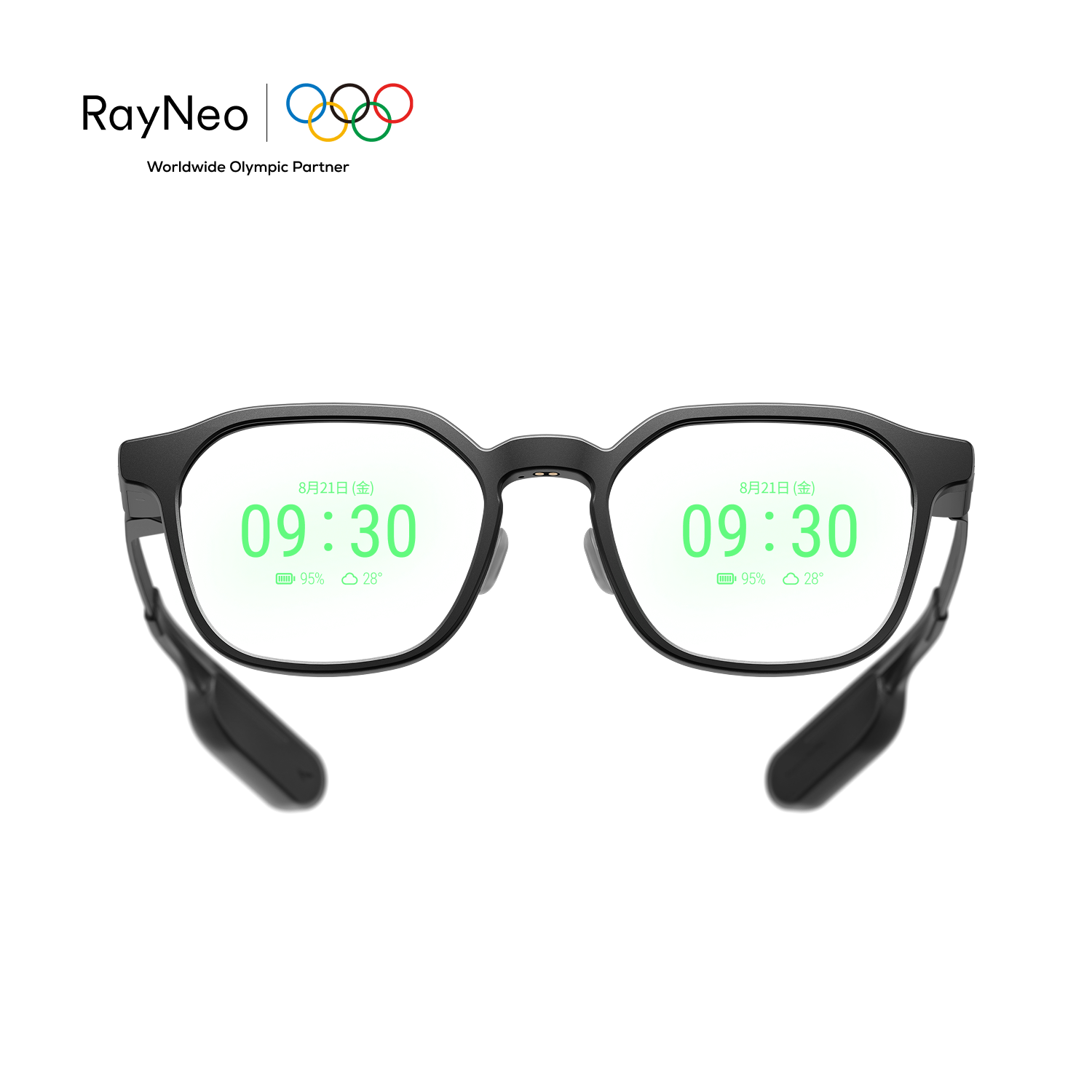 RayNeo iO
 Even G2