
Opinion
Rokid Glasses gain a head-up display. Raising or lowering your head brings up information
Hi Rokid 1.16.0 on October 30, 2026. It targets the current Rokid Glasses. The app is 1.2 GB and needs glasses system 1.28.016.
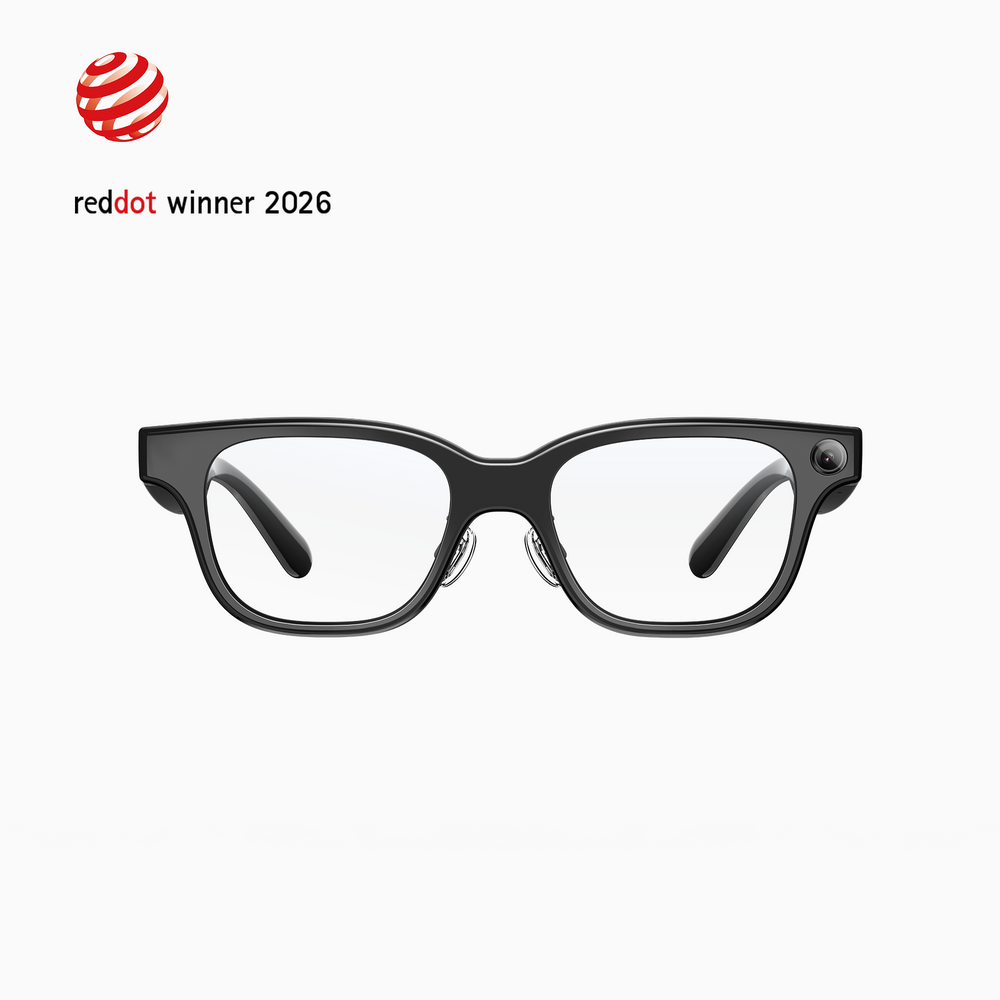
On October 30, Rokid’s Hi Rokid app 1.16.0 added a head-up display to Rokid Glasses. When you raise or lower your head, the glasses detect it and automatically show relevant information. The app is 1.2 GB, and the glasses’ own system has to be on the specified version before it will run.
For all-day wear, notifications and translation can stay on the Even G2. Rokid is the pair you open when you want a photo or video of the moment. This update gives that Rokid a way to bring information up by moving your head.
It appears when you look up, and tucks away when you look down
The download page introduces it as a head-up display. The glasses detect when you raise or lower your head and automatically show relevant information. The guide lives under Head-Up Display in the user guide, and the parenthetical names Rokid Glasses.
The Even G2 brings up text from the angle of your head, not from where your eyes point. This Rokid update also shows information by detecting that raise and lower. It takes less hand movement than tapping the temple every time.

I wrote about bringing the display up from head angle in the comparison with the Even G2. This Rokid update moves closer to that way in.
The update is heavy because both the app and the glasses have to move
Version 1.16.0 is a 1.2 GB download. It was published on October 30, 2026, and the note sets a condition for this build. The app will not run unless the glasses’ system, YodaOS-Sprite (the base software on Rokid Glasses), is “1.28.016-20261029-150201”. Installing the app alone does not start the display. The glasses need their own update.
That is where the time goes. The download page says to get the AI-glasses app from the App Store or Google Play, and the app itself is free. When you have Wi-Fi and a charge, put on the 1.2 GB app and the glasses’ system in one sitting. After that, the instructions are in the user guide under Head-Up Display.
The same update also adds a check before you shoot
The first item in the same version is photo preview and interval recording (shooting at a set interval). You can run them by voice, and the path is Settings, App Services, then Imaging. Preview is there so you can see the frame before the shutter. The third item, Instant Sync, sends new photos to the phone automatically. Turn it on under Settings, Imaging Settings.
The check before you shoot moves a step earlier, onto the glasses, instead of waiting until you take out the phone. The camera is on this pair, not on the Even G2 you wear every day. Days for reading notifications as text, and days for keeping your hands free to record, can still stay separate.
This is not Glasses 2
Glasses 2, announced in China on October 27, is a different product. Rokid’s Global GM writes that the global version is for CES 2027. The name in parentheses on the 1.16.0 head-up display is the current Rokid Glasses. You do not have to wait for the new model number. The raise-and-lower display lands on this pair.
If you already own Rokid Glasses and do not want a hand on the temple every time you check something, this update is the close one. The update itself takes a while. Look at the 1.2 GB app and the glasses’ system version before you start. Text for the day can stay on the Even G2, and Rokid can come out on the days you shoot.
 Even G2
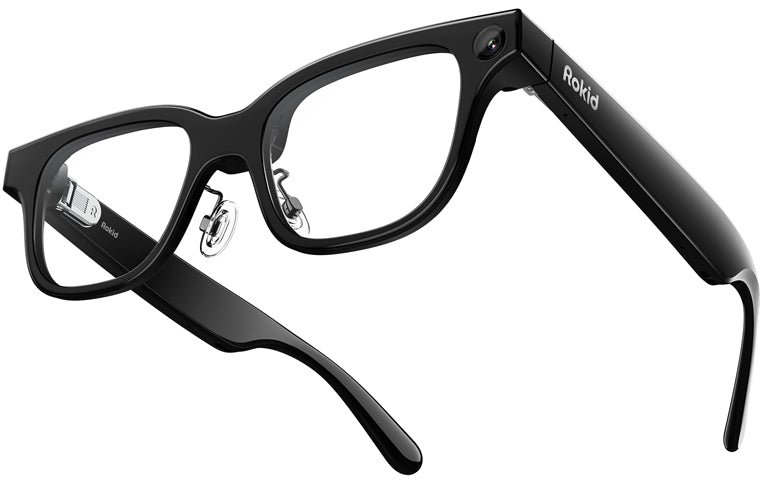 Rokid Glasses